Lead magnet: what it is and how to choose one for your blog visitors
Translated from the Spanish original. Leer en español

A forty-page PDF can be a very elaborate way of helping nobody. A resource earns its value from the problem it helps solve, not the size of the file.
A lead magnet is a free resource you offer in exchange for contact details, usually an email address, to start a relationship with someone interested in what you do. It might be a template, a calculator, a practical guide or a checklist.
Within an SEO strategy, it offers a next step to someone who finds you through Google while looking for help but is not ready to hire you yet.
The question is not "What can I give away?" It is "What does this person need after reading this article?" That is where the choice starts.
What is a lead magnet, and how does it support an SEO strategy?
HubSpot's definition of a lead magnet starts with an exchange of value: readers get practical help, and the business gets a way to contact them under the conditions explained. Its role in SEO is to connect organic traffic with potential business opportunities.
Keep the two jobs separate. The article answers the search question, while the resource helps readers apply what they have learned. Having a download does not guarantee higher rankings or automatically turn a visitor into a business opportunity.
Google recommends creating content that helps readers achieve their goals. Publishing half an explanation and making readers hand over their email to understand the rest would miss that point.
A lead magnet should complement a useful answer, not become a toll readers must pay to get what the headline promised.
How do you choose a lead magnet based on what the reader is looking for?
Start with the need, before deciding whether to design a PDF or record a video. We will use a hypothetical example: a consultancy publishes a guide to preparing the information needed to review a website.
Someone reading that guide may need to organise the information they already have before asking for help. A template for collecting important pages, questions and available access details may be more useful than another document explaining what SEO is.
Identify the question that brought the reader to the article
Write down the question the page answers. Then separate what readers can do with that explanation from the point at which they may need help putting it into practice.
In our example, the article explains what information to collect. The next challenge is organising it and spotting what is missing. That unfinished task gives the template a purpose.
The audience still matters, as I explain in my article about what a buyer persona is (in Spanish). We are not rebuilding that profile here. We are choosing help for one specific task that reader needs to complete.
Choose help they can use to take the next step
Define a small, recognisable outcome. "Having the information organised for an initial review" is more specific than "improving your digital presence".
Include enough instructions to use the resource. A spreadsheet with twenty empty boxes may look like a template, but it leaves readers with the same work they had before downloading it.
In this example, clear columns, a short explanation and one sample row labelled as fictional would help. Length is not the test. Being able to complete the task is.
Connect that help with the service you offer
The resource should attract people your business could help later. In our example, organising the information prepares the ground for a conversation about an SEO review.
That does not mean turning every page of the template into an advert. Explain what it can solve on its own and when professional help might make sense.
If you cannot complete the sentence "This resource helps this person do this, and it relates to my service for this reason", revisit the offer before designing it.
What types of lead magnet can you offer? Examples of useful resources
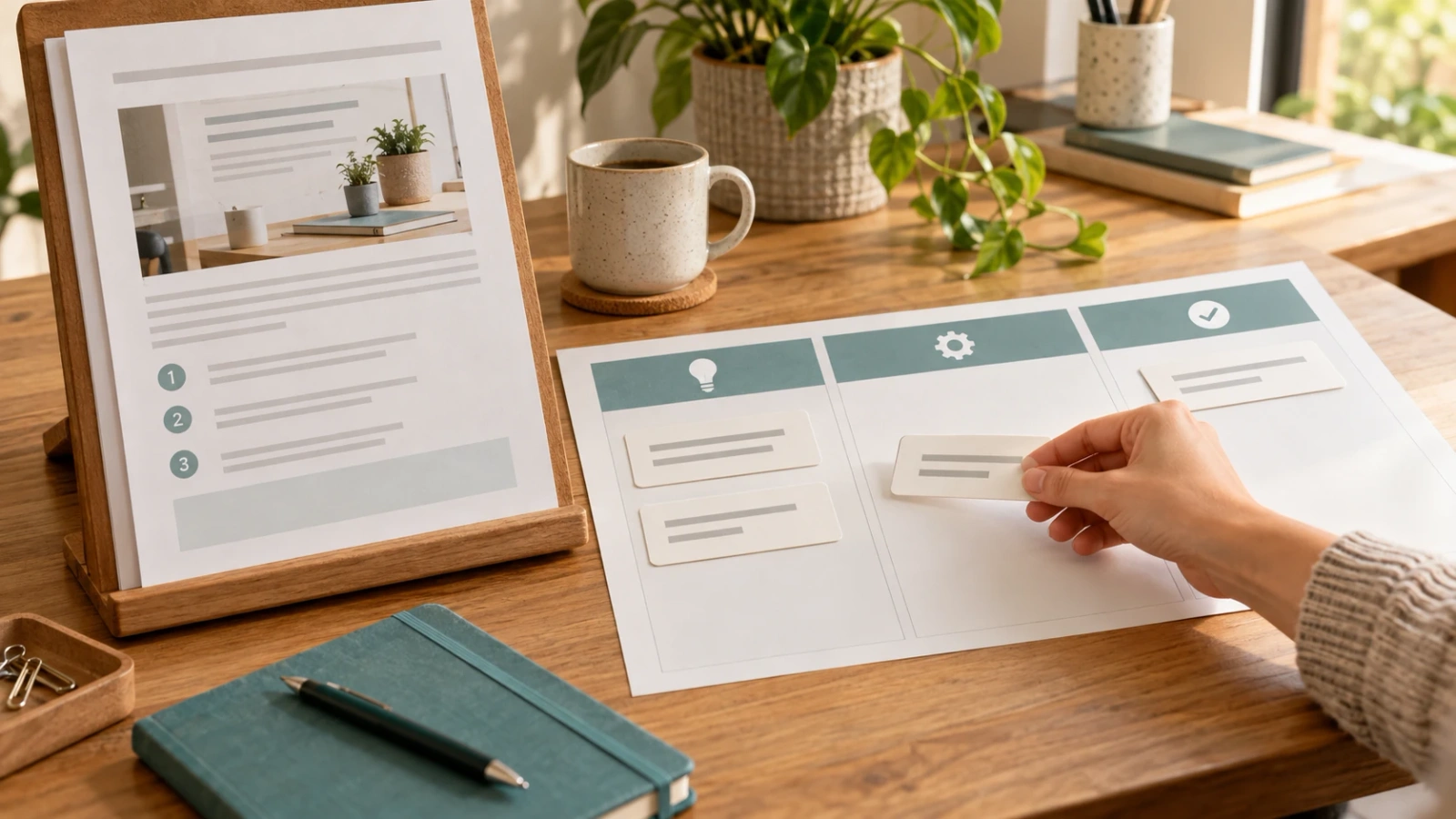
The format should make the task easier. These examples are hypothetical, not client results or promises of lead generation.
| Reader's need | Possible resource | Useful next step |
|---|---|---|
| Check whether they have the information needed for a review | Short checklist | Spot what is missing before making an enquiry |
| Organise information they already have | Template with instructions and one sample row | Bring organised information to a review |
| Compare scenarios using their own data | Calculator with visible assumptions and limits | Understand which variables change the result |
| Apply a process they need to consult more than once | Working guide with steps and examples | Follow the process and identify where they need support |
If you cannot see all the columns, scroll the table sideways.
You could also offer an automated spreadsheet or a small interactive tool. The format should make the work easier, not impress people with its complexity.
A calculator needs to explain what it calculates and which assumptions it uses. A checklist needs criteria for checking each item. A guide should help people act, not simply save the same article behind a different cover.
My Downloads page (in Spanish) already has resources for different working needs. Before creating another, check whether an existing resource could work with a specific adaptation. A new article does not require a new PDF.
Where should you offer the lead magnet, and what details should you request?
Present it where its connection to the explanation makes sense. If you have just explained which information to collect, that is a reasonable place to offer the template that helps organise it.
The call to action should describe what the reader will receive. "Get the template to prepare your website review" says more than "Download now" placed without context.
Request only the details you need
Before choosing form fields, decide why you need each piece of information. If you deliver the template by email, asking for a phone number at the outset adds a question you need to justify. Do not confuse information that might be useful someday with information needed for the offer you are making now.
Explain what happens after the download
Readers should know how they will receive the resource and what further communications are proposed. Sending a template is not the same as accepting any kind of marketing message. The Spanish Data Protection Agency explains the conditions for marketing consent (in Spanish), including a clear affirmative action where consent is the basis being used. Review the form's information and choices against the obligations that apply to your circumstances.
You can publish an open resource without a form. That helps readers, but the download itself does not give you a way to contact them again. Decide what you want to achieve and the experience you want to offer before restricting access.
Test the entire journey on a phone: article, offer, form, confirmation and receipt. Even a useful resource loses its chance if the delivery link does not work.
How do you measure whether a lead magnet brings useful contacts?
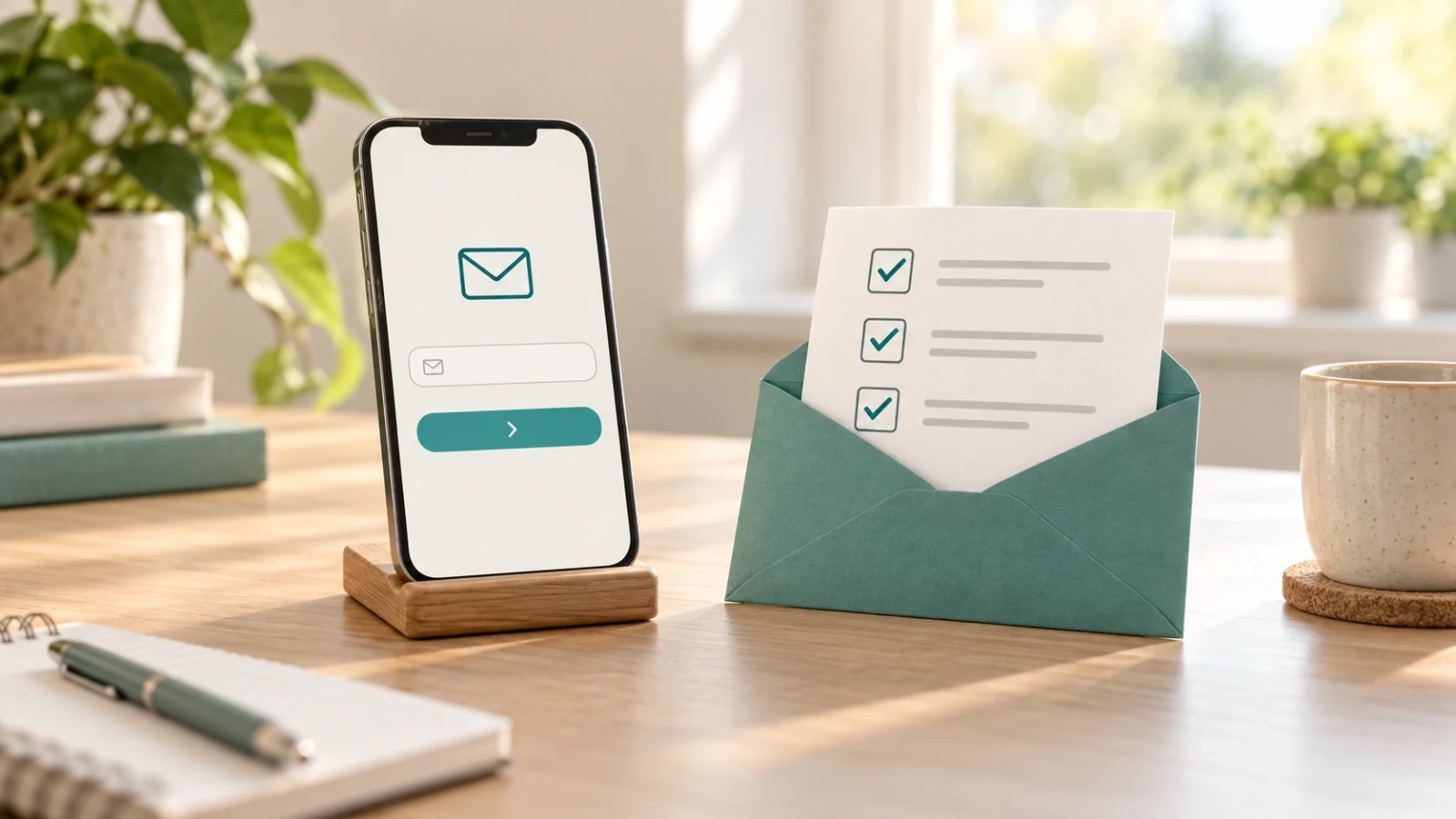
Separate the steps first. Visiting the article does not mean someone saw the offer, and clicking the button does not mean they completed registration.
For an initial review, keep these steps separate, using appropriate measurement and respecting the applicable privacy choices:
- Visits to the article containing the offer.
- Accesses to the resource page or form.
- Valid completed registrations, without treating duplicates or internal tests as new contacts.
- Relevant service enquiries that arrive later, where you can connect them reliably.
Define what each measure counts. A visit is not a unique person: the same person can return several times. A button click is not a completed registration either.
Set the period and traffic source before comparing results. To evaluate the SEO journey, separate organic traffic from the total. If you are looking at all channels, say so. Do not attribute registrations from other sources to SEO.
When calculating a rate, state the numerator, denominator and counting method. For example, over the same period, you can track sessions reaching the resource page and the share that includes at least one valid registration. That measures sessions with a registration, not unique people or all the contacts acquired.
The number of valid new contacts is another measure. Do not confuse it with that rate or change units between periods. Keep the definition consistent for a meaningful comparison.
Not all registrations have the same significance. Many downloads and few relevant enquiries may suggest the resource interests a different audience or solves a need too far removed from the service. That is a hypothesis to investigate, not an automatic conclusion.
If people access the offer or form but few complete registration, check clarity, functionality and the details requested. If the form is inside the offer, do not treat them as two different pages. If people register but do not use the resource, review delivery and whether it fulfils its promise. Change what you have diagnosed, not the button colour out of habit.
You will not always be able to attribute an enquiry to a single visit. Preserve that limitation when interpreting results, rather than presenting every later contact as a sale caused by the download.
What should you check before offering your lead magnet?
Before publishing it, make sure you can answer "yes" to these questions:
- Does it help the reader of that article complete a specific task?
- Does it add a working tool or practical help to the open explanation?
- Can someone understand how to use it without speaking to you?
- Does the offer's title describe what will be delivered?
- Does its connection with your business make sense to that reader?
- Does the form explain delivery and how the data will be used?
- Have you tested receipt and links on a phone?
- Can you distinguish accesses, registrations and enquiries without mixing up the numbers?
One last check: open the file as though it were your first time. Review instructions, access permissions, links and sample data. If it needs an account, a paid tool or a particular format, explain that before the download.

Before we finish our coffee
A useful lead magnet starts long before the form. It starts with understanding what readers need to move from an explanation to a specific action.
Choose a task, prepare help that makes it easier and test the entire journey. Then measure whether that help attracts people you can serve. Collecting email addresses is one figure. Starting conversations that make sense for your business is another matter.
If you need to connect articles, resources and services using that approach, I can help organise your SEO content strategy (service page in Spanish).