What is a Canonical and why it is essential for your SEO
Translated from the Spanish original. Leer en español
The canonical tag is one of those technical SEO elements that many people hear mentioned, but few fully understand.
It is a critical tool to avoid duplicate content problems, improve crawl budget and consolidate authority signals toward a single URL.
I'll tell you what a canonical is, what it is for, how to implement it well and which mistakes to avoid, with real examples. If you have ever had similar URLs or URLs with parameters, this is for you.
What is a canonical tag and how is it used?
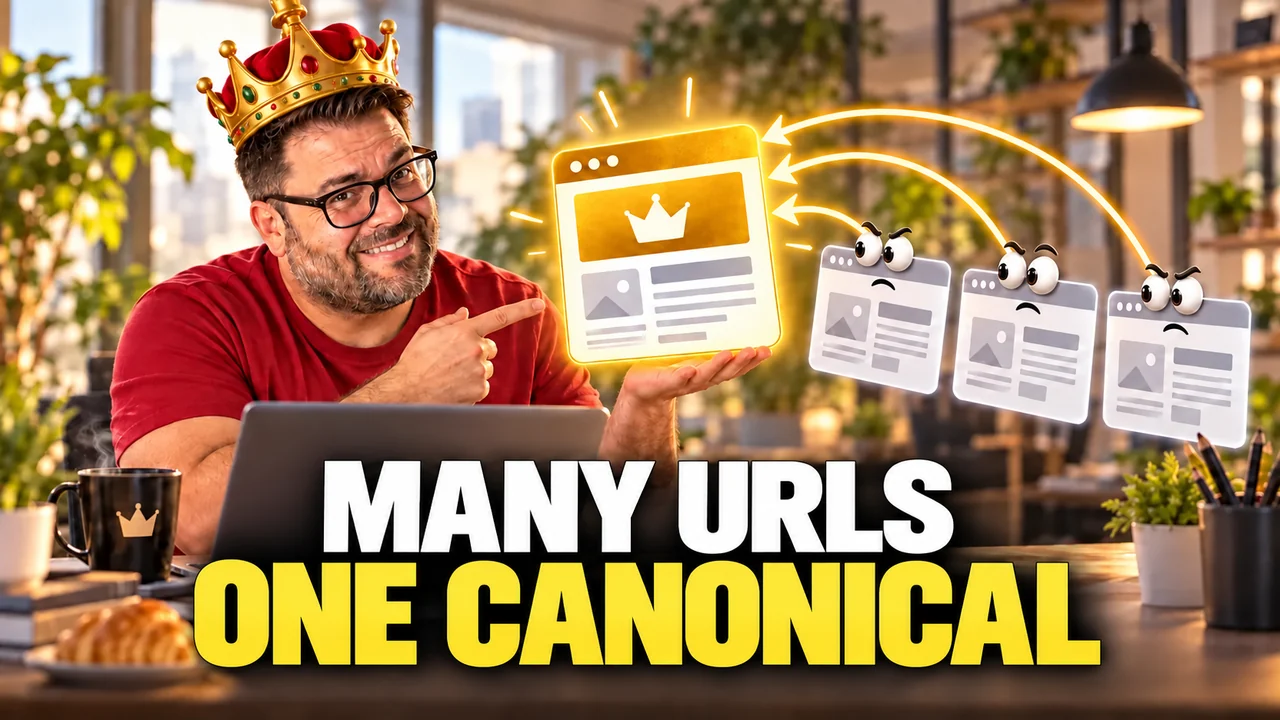
The canonical tag is a snippet of HTML code placed in the head of a web page. Its function is simple: to tell search engines which is the main version of a page when duplicate or very similar versions exist.
The basic structure is this:
<link rel="canonical" href="https://www.tusitio.com/pagina-principal/" />
Google treats it as a suggestion and not as an order: in most cases it respects it, but it can choose another URL if it detects contradictory signals. Its own documentation on consolidating duplicate URLs explains it.
It always goes inside the head block of the HTML, never in the page body, and must point to an accessible URL, with no 4xx errors or broken redirects.
What is a canonical for in SEO?
I have seen many sites index hundreds of duplicate URLs. That confuses Google, dilutes the site's authority and wastes crawl budget.
Using canonicals well helps you to:
- Tell Google which URL you want it to index.
- Consolidate authority signals from several pages into one.
- Avoid duplicate content problems.
- Improve crawl efficiency (crawl budget).
A typical case: an online store where color or price filters generate URLs with parameters. Even though the content barely changes, Google sees those URLs as different. A well-placed canonical avoids this chaos.
Another example, this time from my own website: the Google Business Profile listing points to the home page with tracking parameters (?utm_source=Ficha_Google). That URL carries a canonical to the clean home page, so Google consolidates all signals in the version without parameters. I have checked it in Search Console: the URL with parameters appears as "Alternate page with proper canonical tag", which is exactly what should happen.
When you should use a canonical tag
These are the most common situations where a canonical is the solution, based on my work with real projects:
- Duplicate or very similar content: almost identical products, similar articles.
- Pages with parameters in the URL: filters, sorting or tracking versions.
- Printable versions: the content is the same and only the presentation changes.
- AMP or specific mobile versions.
- Articles republished on other sites.
In all these cases, the canonical keeps the focus of authority and prevents versions you don't want to show in search results from being indexed.
Differences between canonical and 301 redirect
It is worth comparing it with the 301 redirect, because they solve similar problems in different ways.
- The 301 redirect moves the user and Google from one URL to another. It is permanent. Very useful for versions with and without www, or from HTTP to HTTPS.
- The canonical doesn't redirect. It only suggests to search engines which version they should consider the main one.
I tend to use 301 redirects when I remove products or merge content. I reserve canonicals for similar but not identical content, when I want to keep both versions visible with only one as the reference.
Best practices when implementing canonical tags
A badly placed canonical can do more harm than good. These are my golden rules:
- Only one canonical per page.
- Always use absolute URLs, not relative ones.
- Make them point to the right protocol (HTTPS or HTTP depending on your site).
- Respect the format with or without a trailing slash according to how your domain is configured.
- URLs should be lowercase.
- Always inside the head, never in the body.
- The canonical URL must be available (neither 404 nor redirected).
- Use self-referencing canonicals: pointing to themselves if there is no duplicate.
I have seen cases where a single uppercase letter in the canonical URL ends up duplicating content without anyone noticing.
How to avoid the most common canonical mistakes
These are the failures I find most in audits. All of them have a fix:
- Putting more than one canonical on the same page.
- Placing it in the HTML body.
- Pointing to URLs with a 404 error, 3xx redirects or 5xx failures.
- Using canonical in combination with noindex, nofollow or disallow.
- Canonicalizing all the pages of a pagination to the first one.
- Blocking with robots.txt the URL marked as canonical. Robots.txt and canonical do different things, as I explain in the article on what robots.txt does and what the sitemap does.
- Leaving duplicate URLs in the sitemap without a canonical. The sitemap should list only canonical URLs; here you have what to include in the sitemap and how to submit it to Google.
A badly implemented canonical can lead Google to ignore important pages or never consolidate the signals the way you expect.
How to audit your canonical tags
To review canonicals I use Screaming Frog. I have a step-by-step guide to auditing your website with Screaming Frog in case you want to see the full process.
With a crawl in Spider mode you can see:
- Whether pages have a canonical tag.
- Where it points.
- Whether the canonical is self-referencing or points to another URL.
- Whether there are conflicts with other signals (meta robots, headers, etc.)
In the "Canonicals" tab you can filter the errors. It is worth combining it with Google Search Console to see whether there are URLs not indexed because of canonical conflicts. If you work with complex URL patterns, my regex generator (in Spanish) saves you time in audits.
To finish your coffee
The canonical tag is much more than a line of HTML. It is the way to tell Google which version of your content it should index, and it helps you avoid duplicates, consolidate authority and improve your ranking.
What matters is using it well: knowing when, how and with what limitations. In my work as an SEO consultant, a good implementation can make a project gain visibility without needing to generate more content or links. Reviewing canonicals is part of my technical SEO service.
If you have doubts about duplicate URLs, filters in your online store or similar versions of an article, review your canonicals today.