Error 404: when to fix it and when to leave it alone
Translated from the Spanish original. Leer en español
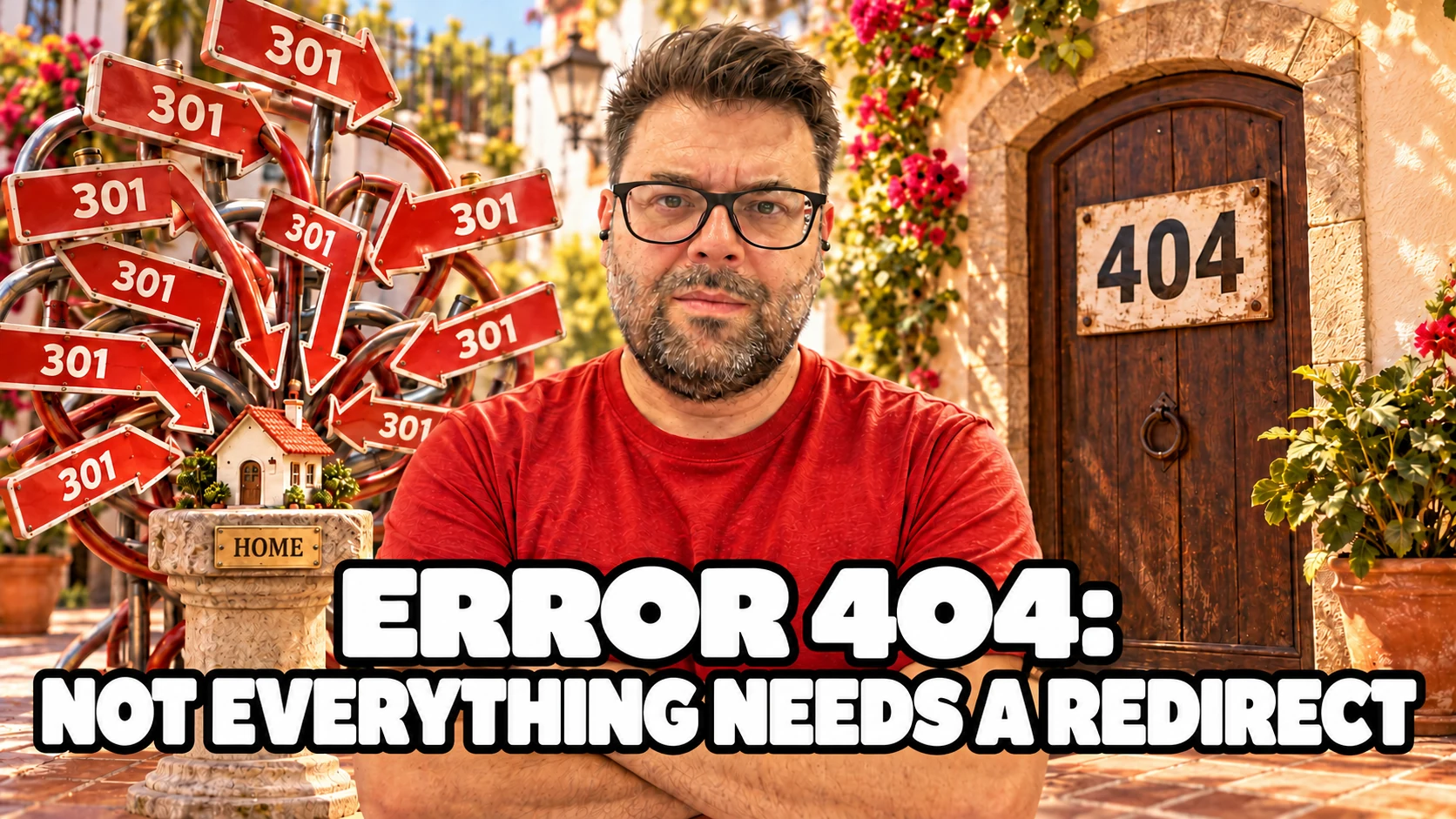
You open Search Console and see a list of pages returning a 404 error. Your first reaction is to fix them all. Your second is to send them to the home page and trust Google to consider the matter closed.
Before changing anything, one question is missing: should that page still exist? A service you have moved, a discontinued product and an address someone has mistyped can all end up under the same warning. They do not need the same solution.
Short answer. Fix a 404 when the page should be available or when your links point to the wrong address. If the content has moved and there is an equivalent destination, redirect to that new URL. If you have removed it without a replacement, a 404 or 410 response may be correct. Google explains that 404s for URLs that should not exist do not, by themselves, harm the site's search performance.
What does a 404 error mean on your website?
A 404 is an HTTP response: the server says it cannot find the requested resource. It can happen because you deleted a page, changed its address without redirecting it, or have a mistyped link.
The message a visitor sees and the server's response are two different things. A screen can say "Page not found" while returning a 200, the code normally used to deliver available content. That is why checking for a friendly illustration is not enough.
In its documentation on HTTP status codes and Search, Google explains that it does not consider URLs returning a 4xx response for indexing, and removes previously indexed URLs that start returning those codes. The exception in that group is 429, which it treats as a signal that the server is overloaded.
The distinction matters: having a deleted URL disappear may be exactly what you wanted. Having the page that sells your service disappear is a different matter.
When should you fix a 404, and when can you keep it?
Start with the page's purpose, not the number of warnings in the report. My approach to this review is to separate problems that stop people reaching useful content from responses that simply confirm an address no longer exists.
This table is a suggested way to work, based on the situations Google distinguishes, not an instruction to redirect every URL that appears in Search Console.
| Situation | Decision to review |
|---|---|
| The page should exist, but returns 404 | Restore the content or fix the broken path. |
| The same content has moved permanently | Redirect the old address to its current equivalent. |
| An internal link points to a mistyped URL | Fix the link on the source page. |
| The content has been removed without an equivalent replacement | Keep a 404 or 410 response. |
| The URL never existed and there is no real need behind it | Check where it came from; do not create a page just to clear the warning. |
If you cannot see all the columns, scroll the table sideways.
For example, imagine a renovation company changing the address of its kitchen service page. The service still exists: the problem is that someone following the old link cannot reach it. Sending them to the equivalent new page makes sense.
Now imagine an offer for a course that is no longer taught and has no replacement. Sending it to the academy's home page does not turn that home page into the course. These are hypothetical examples to help you decide, not client cases or measured results.
I would prioritise URLs for services, products or resources that should still be available, along with links your own website still offers. I would then review old or unfamiliar addresses. That is a suggested order of work, not a severity ranking published by Google.

How do you find where a broken link comes from?
Do not stop at the failing URL. Also find the page or file that still recommends it. If you repair the destination but leave a menu pointing to the wrong address, the editorial problem remains.
In Search Console, open the relevant exclusion reason and inspect an example URL. Check the last crawl and, where available, discovery information such as the sitemap or referring page.
The URL Inspection help warns that the referring page may be missing because that information is unavailable. An empty field does not prove that nobody links to the URL. The indexed-version report is not a real-time check either.
You can use Screaming Frog to review links within your site. Its official broken-link tutorial suggests this process:
- Crawl the site you have permission to review.
- Open "Response Codes" and filter by "Client Error (4xx)".
- Check the specific code: the filter includes other 4xx responses, not only 404.
- Select a URL and look at the "Inlinks" tab to find which pages link to it.
- Record the source address, the failing destination and your chosen fix.
According to that tutorial, the free version can crawl up to 500 URLs. A link crawl will not necessarily find every historical or isolated address on the site: use it alongside Search Console and your content inventory.
If you need the full process, as I explain in the guide to auditing a website with Screaming Frog, it helps to understand what you are filtering before exporting a huge list for someone else to fix.

When should you use a 301 redirect, and when a 404 or 410 response?
A permanent redirect fits when a page has moved for good and you know where the visitor should arrive. Google recommends permanent server-side redirects where possible; both 301 and 308 indicate that permanent move.
Check that the destination answers the need behind the old link. Do not choose a page just because it exists and returns 200. If someone was looking for a specific course page, a home page listing twenty courses is not automatically its replacement.
When there is no content left and no equivalent replacement, Google's 404 help says you can let the URL return 404 or 410. It also says Google treats them the same way. I would not choose 410 as a trick to promise faster removal from the index.
If the error is in an internal link, also fix that link so it points to the right destination. As a maintenance approach, it is better not to make visitors pass through an old address when you can offer the current one directly.
A canonical does not make that move for the user. As I explain in the article on what a canonical is, its purpose is to indicate a preferred version among duplicate or similar content. It is not a substitute for restoring a page that should exist or for a necessary redirect.
What is a soft 404, and why does a nice-looking error screen not fix it?
A soft 404 happens when the content looks like a missing or empty page, but the response does not correctly reflect that situation. One example Google describes is an error screen served with a 200 code.
Its documentation on soft 404s also covers pages with no main content or resources that have not loaded properly. Before deleting a page flagged this way, check what Google received and rendered.
A useful error page can keep the navigation, explain what happened and offer links to relevant sections. Google recommends that kind of help for visitors, but the missing page must still return the correct HTTP code.
Redirecting every missing page to the home page is not a universal clean-up. The Search Console help warns that this behaviour can cause soft 404s and confuse users and search engines.
I would not block those URLs in robots.txt to try to hide the problem either. Google asks for missing addresses to return their 404 and not be blocked by that file. To understand the difference, you can read the article on robots.txt and sitemap.xml.

How do you check that the fix works?
After making the change, follow the same path that failed before. If there was a link in the menu, start from the menu. If you arrived through an old URL, test that URL, not just the new one.
This is my suggested checklist:
- A page that should exist loads its content and returns 200.
- A moved URL redirects to the chosen equivalent destination without ending at another error.
- A page removed without a replacement returns 404 or 410, even if its design is carefully considered.
- The internal links you reviewed lead to the correct destination.
- The sitemap no longer suggests a deleted address as a page you want indexed.
- You have recorded what you decided and why, so you do not undo it when you see the warning again.
The live test in URL Inspection helps check current availability to Google, but it does not cover every indexing issue or guarantee that a page will be indexed. Do not confuse a correct technical response with a promise to appear in search results.
The historical report may still show what happened on a previous crawl. Look at the date before concluding that the fix failed. In the Search Console guide from scratch, I explain which question each report answers.
What questions tend to remain about 404 errors?
Does a 404 error mean Google has penalised my website?
No. Google says that 404s for URLs that should not exist do not, by themselves, affect the site's search performance. It is a different matter if an important page that should be available has disappeared: losing that content needs review.
Do I need a redirect for every warning?
No. First decide whether the URL should exist and whether there is an equivalent replacement. An invented address or content removed without a replacement can correctly return a 404.
Is a 410 better than a 404 for SEO?
Google says it treats both codes the same way in this context. Choose the response that fits your implementation, without promising a timeframe for removal from the index based on one code or the other.
Does an error page with links stop being a 404?
No. It can help people find other content while still returning 404. The design people see and the code the browser receives must be reviewed separately.
To finish the coffee
The job is not to clear every warning from Search Console at any cost. It is to make the pages you need work, make moves meaningful and let addresses that no longer exist respond accordingly.
Before creating twenty redirects, write down what a person should find at each URL. If you cannot answer, the diagnosis is not finished yet.
That is the approach behind my SEO audit service: deciding what deserves fixing and in what order. Diagnosis and implementation are separate jobs; implementation is agreed separately.