How to create a YouTube playlist and organise a series
Translated from the Spanish original. Leer en español
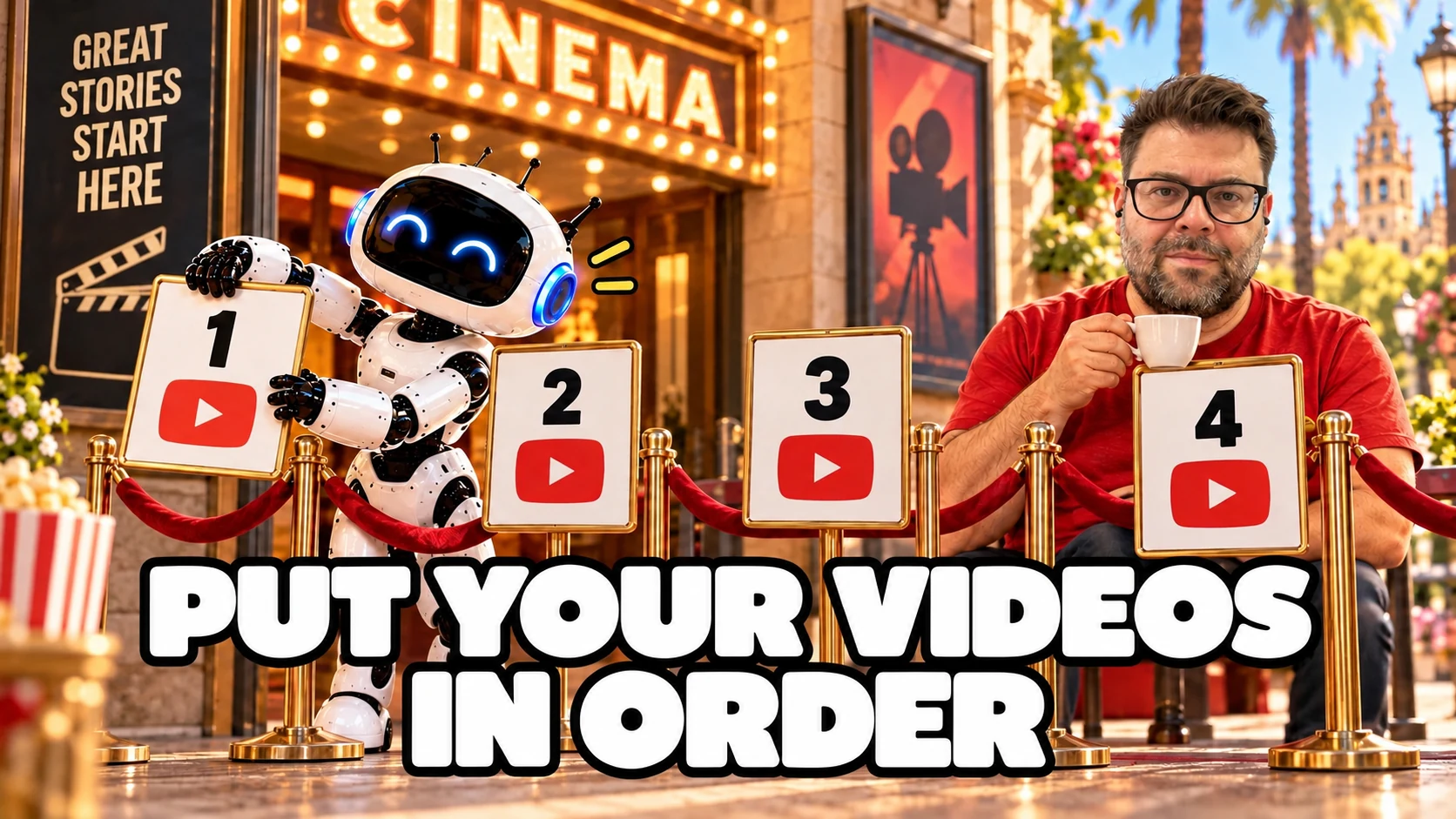
You have published several videos on the same topic. In what order should someone who has just found your channel watch them?
A YouTube playlist lets you bring those videos together and put them in order. In this guide, we will look at how to create one, choose who can see it and review its analytics, distinguishing views of the videos from views within the playlist.
Short answer: to create a playlist on YouTube, open a video, select More, Save and Create new playlist, enter a name and choose its privacy setting. Then add the related videos and arrange them. In YouTube Studio, you can also create one through Create, New playlist. Give it a clear path and review its analytics without confusing video views with views within the playlist.
What is a YouTube playlist, and what is it for?
It is a collection of videos you can bring together, share and organise. YouTube lets you create one from a video or a Short and also manage it in Studio, according to its help on creating and managing playlists.
For a channel that teaches something, it can be a way to present several answers as a learning path. For example, an introduction, a practical explanation and a review of results. That is an editorial suggestion: the order should help people understand the topic, rather than simply reproduce the upload dates.
You do not need to turn every channel category into a playlist. If the videos do not answer a shared need, a folder name will not create that connection.
This article continues the YouTube SEO guide. There, the work is about preparing each video. Here, it is about organising several pieces so that the next one makes sense.
How do you create a playlist step by step?
You can do it from a video or from YouTube Studio. The Studio management documentation describes this second route on a computer:
- Sign in to YouTube Studio with the correct channel.
- Open Create and select New playlist.
- Enter the title and description.
- Choose the visibility and how the videos will be ordered.
- Add the videos and confirm creation.
If you are already watching a video, the route is More, Save, Create new playlist. Enter the name, choose the privacy setting and select Create. The help also covers creating a playlist from a Short.
Afterwards, you can find it and edit its details under Content and the Playlists tab in Studio. Some control names may vary with the interface language; the linked sources distinguish between computer and app instructions.
Before sharing it, check that you have added the right pieces. Creating a playlist called "Getting started" and filling it with every available video is a very quick decision. Making it useful takes another minute.
What name and description should you use?
A name that tells people what they will find. As an editorial approach, I would choose a question or an objective shared by the videos, not a collection of keywords.
"Preparing your first YouTube video" explains the path better than "Various videos". The description can clarify who it is for and what order you suggest. This is a writing example, not evidence that this title will rank better.
Studio's help sets a maximum of 150 characters for the title and 5,000 for the description. These are field limits, not targets you need to reach. Source: managing playlists in YouTube Studio.
If you do not yet know which questions the series needs to cover, return to the work on keywords for YouTube. Research helps you choose answers; a playlist helps you organise them. They are different jobs.
Which privacy setting should you choose: public, unlisted or private?
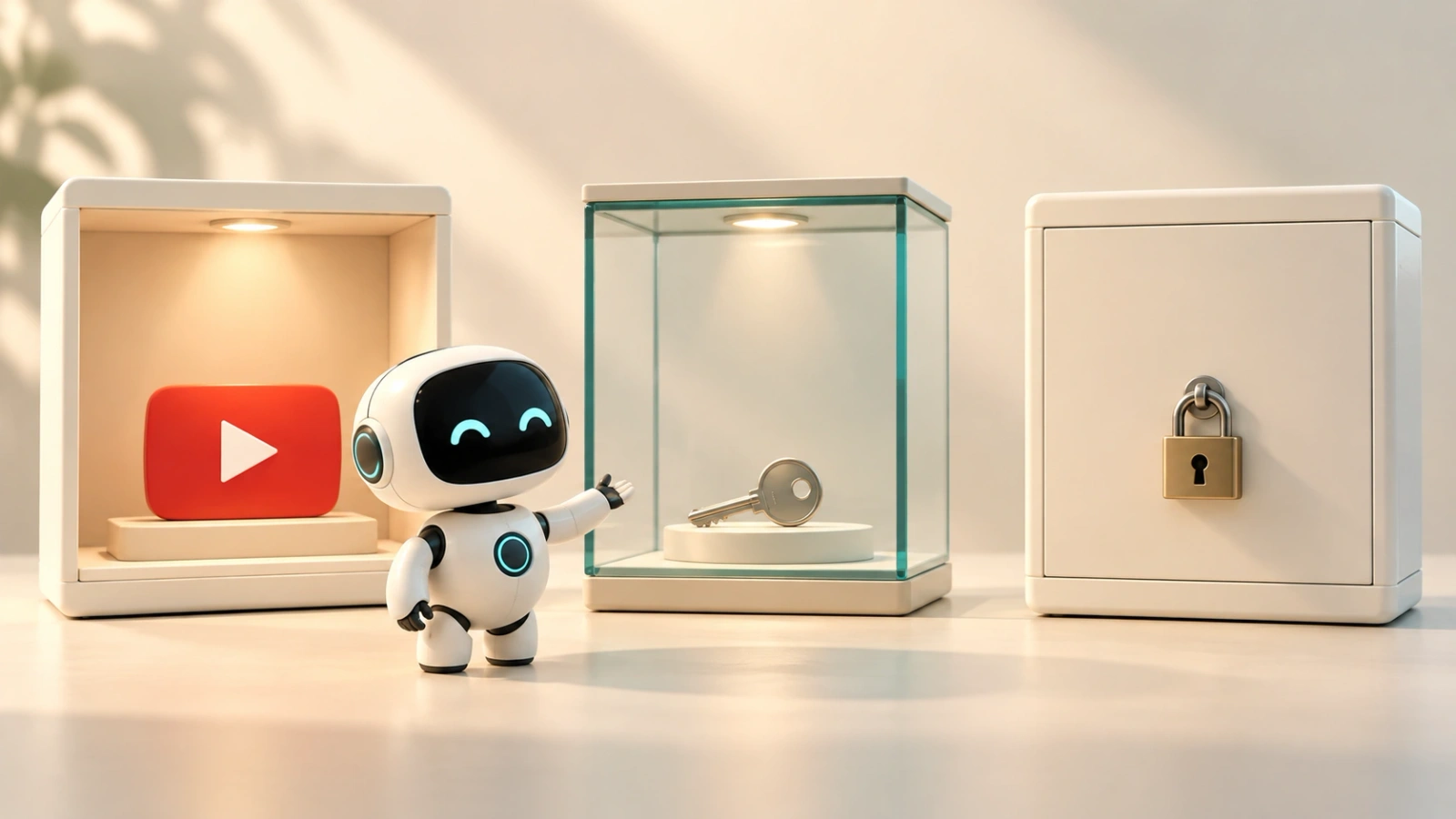
Choose according to who should find it. A public, an unlisted and a private playlist are not three ways of saying the same thing.
- Public: anyone can watch and share it. It can appear in search, related videos and recommendations.
- Unlisted: anyone with the link can watch and share it. It does not appear on those surfaces like a public playlist.
- Private: the official comparison table does not allow sharing its URL as with the other two options; it is the choice for keeping the playlist outside that public distribution.
The official privacy comparison also distinguishes whether the playlist appears on the channel and in the subscriber feed. Being eligible to appear on a surface does not guarantee that it will.
Do not treat an unlisted playlist as confidential: the link can be forwarded. Before using it to share restricted material, also review the videos' visibility. Playlist privacy does not replace checking each piece.
How do you add and order the videos in a series?
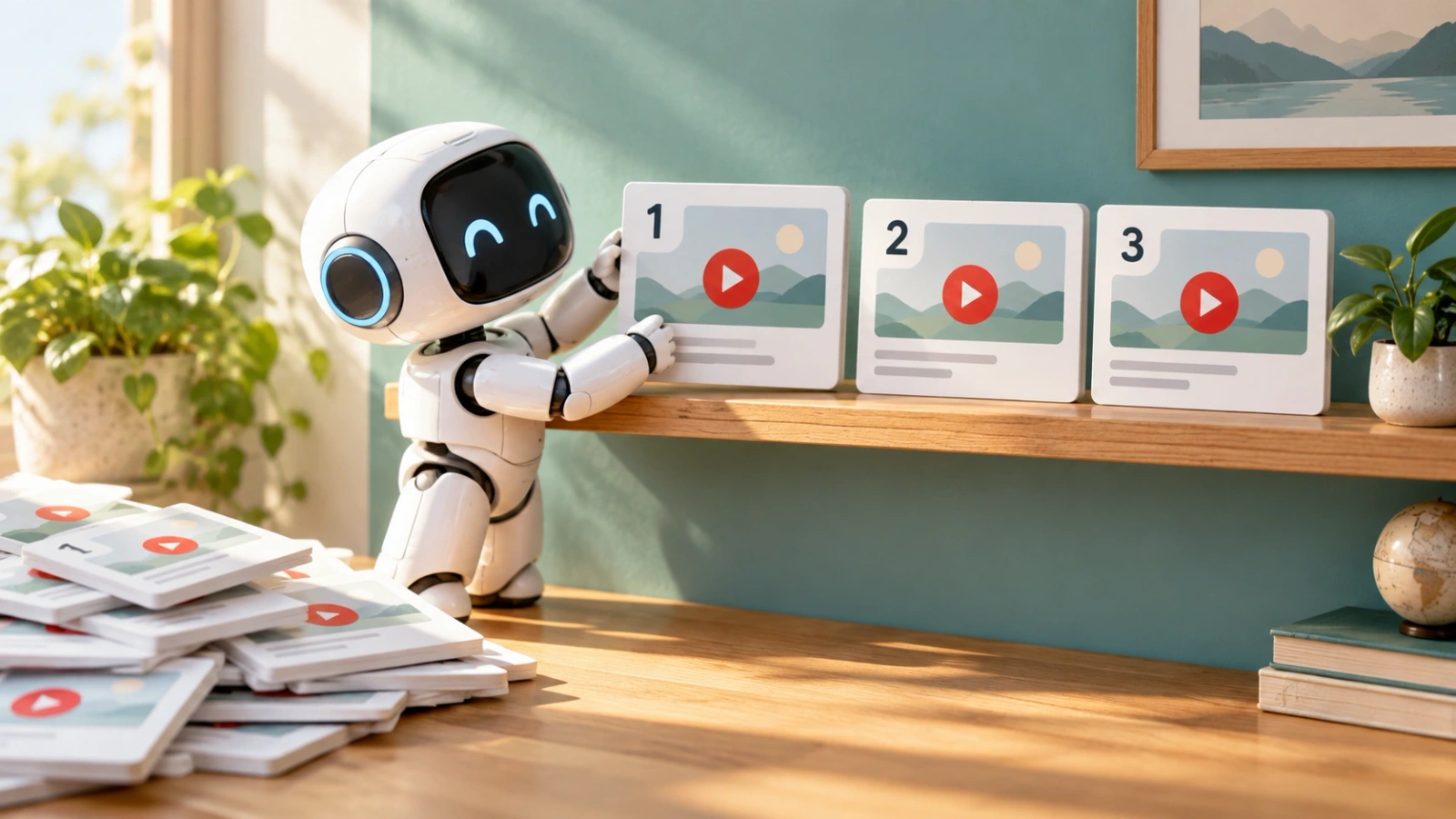
Add only the videos that belong to the path and review the order from the playlist itself. YouTube lets you drag videos up or down to rearrange them, according to its management guide.
As a working method, I would start with the piece that explains what people need to understand the others. Then the practical application. Finally, the review or the next level. This is not a YouTube rule: it is a way to avoid chapter two assuming something you have not explained yet.
A hypothetical example for a YouTube SEO series would be:
- What question the video answers and how to prepare it.
- How to research the next idea.
- How to present the content with a title and thumbnail.
- How to review what happened in Analytics.
You can add content from a video using Save or, when managing the playlist, search for videos, use a URL or choose them from your library. The Studio help describes these options.
One limitation is worth knowing: the general help warns that ordering is not available for playlists containing only Shorts. Do not assume that a Shorts playlist has exactly the same controls as one containing long-form videos.
Is a regular playlist the same as an official series playlist?
No. A series playlist lets you mark a set as an official series of videos that should be watched together. It has additional requirements.
According to the series playlist help, you need a verified account. You can only add videos you have uploaded yourself and have the rights to. A video also cannot belong to more than one official series playlist.
YouTube explains that other videos in that playlist may be featured and recommended when someone watches a video in the series. It also says it may use this information to change how the videos are presented or discovered. It does not promise higher rankings or a number of views.
The option is enabled from the playlist settings on a computer. You do not need to use it for a regular playlist to have a useful order. First decide whether you are really building a series; then check whether the feature fits.
Which analytics should you review afterwards?
Distinguish the videos' performance from viewing within the playlist. They are not the same data.
To open its analytics, go to Studio, Content, Playlists and select Analytics beside the relevant playlist. The playlist analytics help explains what information it groups together and what it excludes.
The important distinction is the scope of the count:
- Views from playlist: reflect views while people are watching the playlist itself.
- Total views: bring together views of your own videos in the playlist, both inside and outside it. They do not include other channels' videos in that count.
- Playlist watch time and playlist average duration: refer to viewing within the playlist and can include videos from other channels.
Sources: how playlist analytics work and content performance definitions.
If total views increase, that figure alone does not let you conclude that more people followed the playlist's path. They may have watched those videos from other places on YouTube.
Choose a period, separate the metrics and write down what you want to check. The YouTube Analytics guide develops that approach. You do not need to repeat every report to review one playlist.
What should you review before sharing your playlist?
Check the path as someone unfamiliar with your channel will see it. This is an editorial checklist, not a ranking formula:
- The name explains the topic or objective.
- The description clarifies what it includes.
- The privacy setting matches the intended audience.
- The videos belong to the path and are available to that audience.
- The order does not require knowledge you have not yet explained.
- You have chosen a question to review later in the analytics.
You can record that question in the YouTube SEO workbook. We are reusing the series workbook: you do not need to download another PDF to order the next videos.
Frequently asked questions about YouTube playlists
Can I create a playlist with Shorts?
Yes. The help allows creating it from a Short and adding that content. On a computer, you can also filter a playlist by All, Shorts or Videos. The ordering feature has the limitation described above for playlists containing only Shorts.
Can I add videos from other channels?
A regular playlist can include them. An official series playlist has a different condition: it only accepts videos you have uploaded and have the rights to. Its analytics also distinguish between your own videos and other channels' videos.
Why can I not save a children's video from the home page?
The help says that if the video or channel is marked as made for kids and you are on a home page, you cannot add it from there. You can add content from search results. Source: creating and managing playlists.
Does creating a playlist guarantee more views?
No. The cited sources describe organisation, privacy, discovery and analytics features; they do not guarantee views. A useful playlist starts with the connection between its videos, not a promise to the algorithm.
To finish the coffee
A playlist should not make viewers guess where to start. Bring together the pieces that answer the same need, decide the order and check what you are measuring.
The work does not end when you select Create. It starts when you can explain why that video comes before the next one. If the answer is "because I uploaded it first", you may still be organising dates rather than a series.
Sources last checked: 3 November 2026.