How to find keywords for YouTube and choose your next video
Translated from the Spanish original. Leer en español
You can also listen on Spotify (in Spanish).
You have a list of keywords. You do not yet have a video idea. They are different things.
A tool can show you a hundred variations of "moka pot". It does not decide whether you will explain how to use one, how to clean it or which one to buy. Putting all three answers into the same video because they share words is an excellent way to talk about everything and solve very little.
Research starts there: finding out what someone needs and deciding what you will teach them. The title, thumbnail and the rest of the presentation come afterwards, as I explain in the YouTube SEO guide.
Short answer: to find keywords for YouTube, start with a specific question, gather ideas in search and Studio's Trends tab, observe which answers the videos offer and choose an intent you can address well. If you use a volume tool, check which platform, country and period it measures. After publishing, review which search terms bring views to your video.
What changes compared with Google keywords?
The same phrase can be used on Google and YouTube. That does not make their figures or results interchangeable.
On Google, you can find articles, product pages, videos and other results. On YouTube, you are preparing audiovisual content. Before choosing a keyword, you need to know which answer deserves a video and what the viewer expects to see.
According to the official explanation of search and discovery, YouTube considers how the query matches the title, description and video content. It also considers which videos generate engagement for that search. Results are not simply a ranking of the most-watched videos.
The practical consequence is simple: copying a word into the title does not fix a video that answers a different question. First, you choose the need. Then you prepare an answer people can watch and understand.
Intent also appears in my keyword analysis guide. Here, we apply it to videos without automatically transferring figures from one search engine to another.
Where can you find ideas within YouTube?
Start typing the topic into search. Note the suggestions and the different ways of expressing the problem. Treat them as ideas to check, not a search counter.
Then open several results. Look at what their titles and thumbnails promise and watch the content. A screenshot of the first screen is not enough to know whether the video answers the question.
YouTube Studio offers another source: the Trends tab. The official documentation explains that it helps you explore what your audience and YouTube users search for. You can enter a topic and save terms you want to follow.
Some cards show searches and content relating to the last 28 days. Others help identify video ideas or content gaps in Shorts. Do not turn a Shorts opportunity into an automatic recommendation for a long-form video: keep the signal's context.
Not all channels see the same information either. YouTube warns that some of it depends on country, language and device, and that some sections may not appear if there is no relevant content. Not seeing a card does not prove that nobody searches for that topic.
How do you know what someone expects from that search?
Intent is the task the person wants to complete. To make it concrete, write one sentence: "After watching this video, they will be able to..." If you need five different endings, you are probably combining several needs.
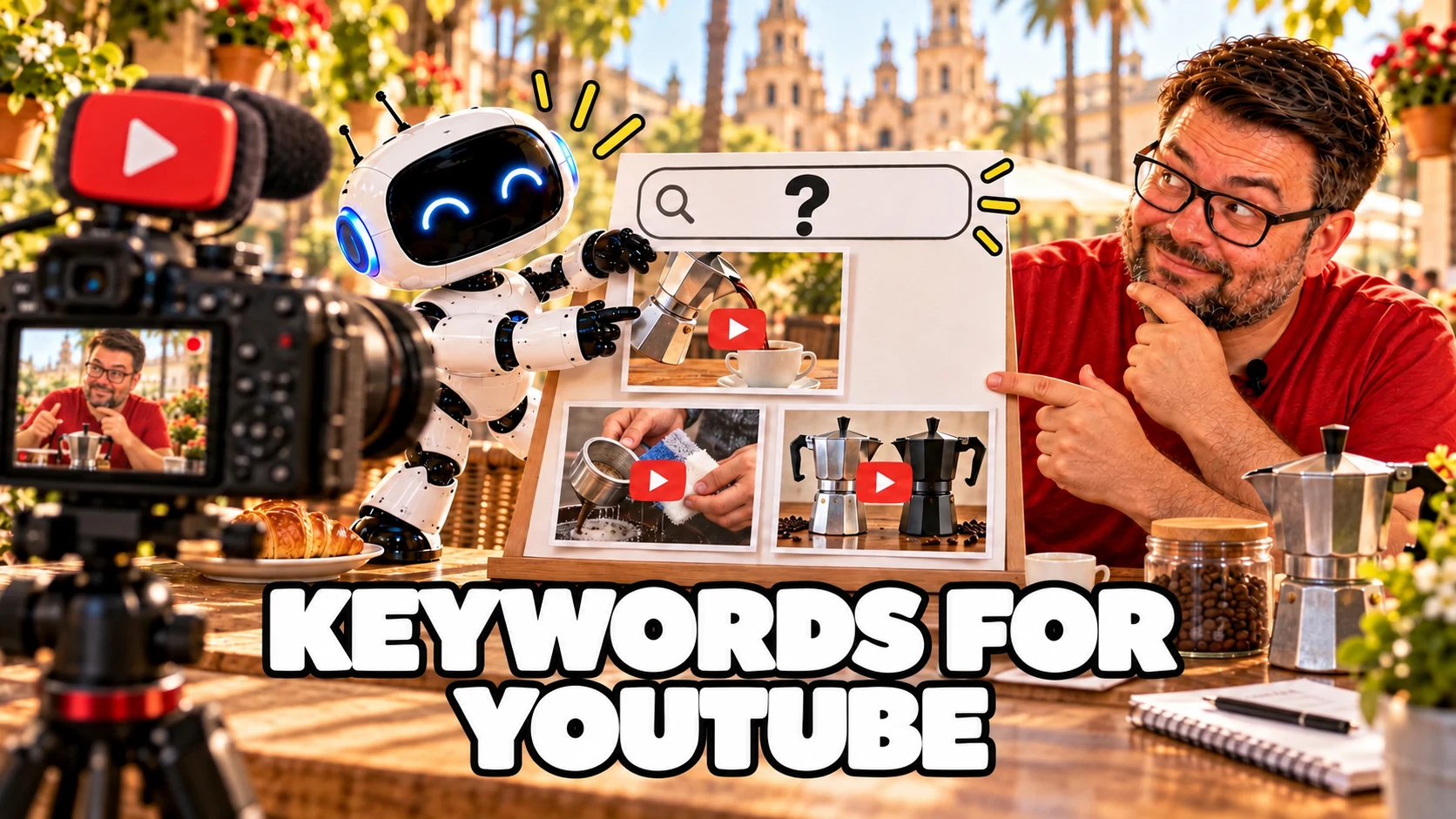
Let us return to a hypothetical moka-pot example. It is not a case of real results or a search study: it helps organise the reasoning.
- How to use a moka pot. The proposed answer is a preparation demonstration, with visible steps.
- How to clean a moka pot. The proposed answer explains cleaning and care. Instructions need checking against the model's manufacturer.
- Which moka pot to buy. The proposed answer is a comparison using clear criteria, not the same preparation tutorial with a different title.
These topics are close, but viewers are not arriving for the same thing. You can build a list of ideas for the channel without forcing them into one piece.
When reviewing results, note recurring formats, the question each video answers and what information is missing for your chosen question. That gives you a working hypothesis. It does not prove that copying the format will put you above them.

What can Semrush contribute, and what does each figure measure?
Before falling in love with a volume figure, read its label. You need to know whether it belongs to Google or YouTube, which country it represents and which period it summarises.
To prepare this article, I checked Semrush's Spain desktop database on 31 October 2026. These were the monthly Google estimates shown:
- "palabras clave youtube": 140 searches per month.
- "palabras clave para youtube": 110 searches per month.
- "herramienta de palabras clave de youtube": 70 searches per month.
These are searches about YouTube made on Google. They help study demand for this article, but do not demonstrate how often a topic is searched within YouTube. I do not add them together as if they represented different people either.
Semrush's explanation of its monthly figures says that volume in its main keyword tools represents a monthly average in the selected database, calculated over twelve months. It is not a live reading of today's searches.
In its YouTube research guide, Semrush also distinguishes between its Google tools and Keyword Analytics for YouTube. Sharing a brand does not mean they measure the same thing. Check the specific tool and its terms before using a figure or paying for access.
A figure without a platform is like an address without a city: it looks sufficient until you try to get there.
How do you choose a question for your next video?
Prepare a short note for each idea. There is no need to start with a spreadsheet full of scores nobody can explain.
Record these fields:
- Question: what the person wants to solve, in their own words.
- Intent: learning a process, comparing options, fixing a fault or another specific need.
- Answer and format: what you will show and why that format helps.
- Evidence: where you found the idea and what you observed in results or Studio.
- Demand data: platform, country, period and figure, only when you have a source identifying them.
- Scope: what belongs in the video and what you will leave for another piece.
Then use editorial judgement. Can you answer the question clearly? Do you have the materials and sources you need? Can you teach something useful rather than repeat a definition? Does it fit the audience you want to help?
High volume does not answer those questions. Low volume does not prove an idea is useless for your audience either. Keep measured demand, clues and editorial interest separate; do not mix them into a supposedly scientific score.
For the hypothetical example, you might choose a cleaning demonstration for a specific model. The promise would be limited and you would know what to verify before recording. You would not need to insert a purchase comparison to use another variation.

Where do you put the keyword once you have chosen it?
Where it helps people understand the content. The title should explain the answer and the description should give context. The video must deliver what both announce.
YouTube's documentation connects the title, description and content with search. It does not set a magic repetition count that guarantees rankings.
Use the main phrase naturally and add the details needed for precision. If the video covers a specific model, difficulty or part of a process, do not hide that information to insert a more generic word.
Tags do not replace this decision either. YouTube explains in the same documentation that they are mainly used to correct common spelling mistakes. Research does not end by becoming a bag of tags.
The title and thumbnail deserve their own review. In this piece, we stay with the previous step: knowing which answer you will present.
How do you check which searches bring views afterwards?
Publishing does not turn the hypothesis into a success. Now you need to see how people find the content.
In a video's analytics, the Reach tab lets you check traffic sources. According to YouTube's help on how viewers find your videos, the YouTube Search report shows the terms people used when they found the content.
Review whether those queries relate to the question you chose. Separate that traffic from Home, suggested videos or external sources: one view does not, by itself, prove someone found you through your keyword.
Then note what deserves a review. Perhaps the presentation explains the content poorly. Perhaps the question was too broad. Perhaps you need more observations before reaching a conclusion. The report helps you ask questions; it does not identify one single cause by itself.
If you make a change, record what you changed and why. Changing five things together and attributing any increase to the keyword is very convenient. It also leaves you unsure what you learned.

What questions often come up when researching YouTube keywords?
Can I use Google volume to plan a video?
You can use it as context, clearly stating what it measures. Do not present it as YouTube volume. Check the idea against the platform's search, Studio and the answer your audience needs.
Does a search suggestion equal monthly volume?
You should not treat it as a figure. Record the suggestion as a clue and keep its source. If you do not have a measurement, do not fill the gap with an invented estimate.
Does every variation need a separate video?
No. Group phrases that seek the same answer. Separate those that change the viewer's task, even if they share many words.
Is the keyword with the most searches always best?
It does not, by itself, decide what you can solve, whether it fits your audience or which format you need. Choose a specific question and explain the reason, rather than hiding the decision behind a number.
A workbook to prepare and review your video
You can use the YouTube SEO workbook we already have to record the question, intent and what you will check afterwards.
To finish the coffee
A list of words is not a video calendar. First, turn each idea into a question, check which answer the person expects and decide what you can teach them.
Keep one clear note: question, intent, format, evidence and limits. If you use figures, also save the platform, country and period. That way, you can explain why you chose that video and later review whether it was on the right track.
The next step is presenting that answer: title and thumbnail must promise what the video delivers. Thumbnail size matters when preparing it; the promise matters for making it meaningful.
Sources last checked: 31 October 2026.