Alt text: how to describe the images on your website
Translated from the Spanish original. Leer en español
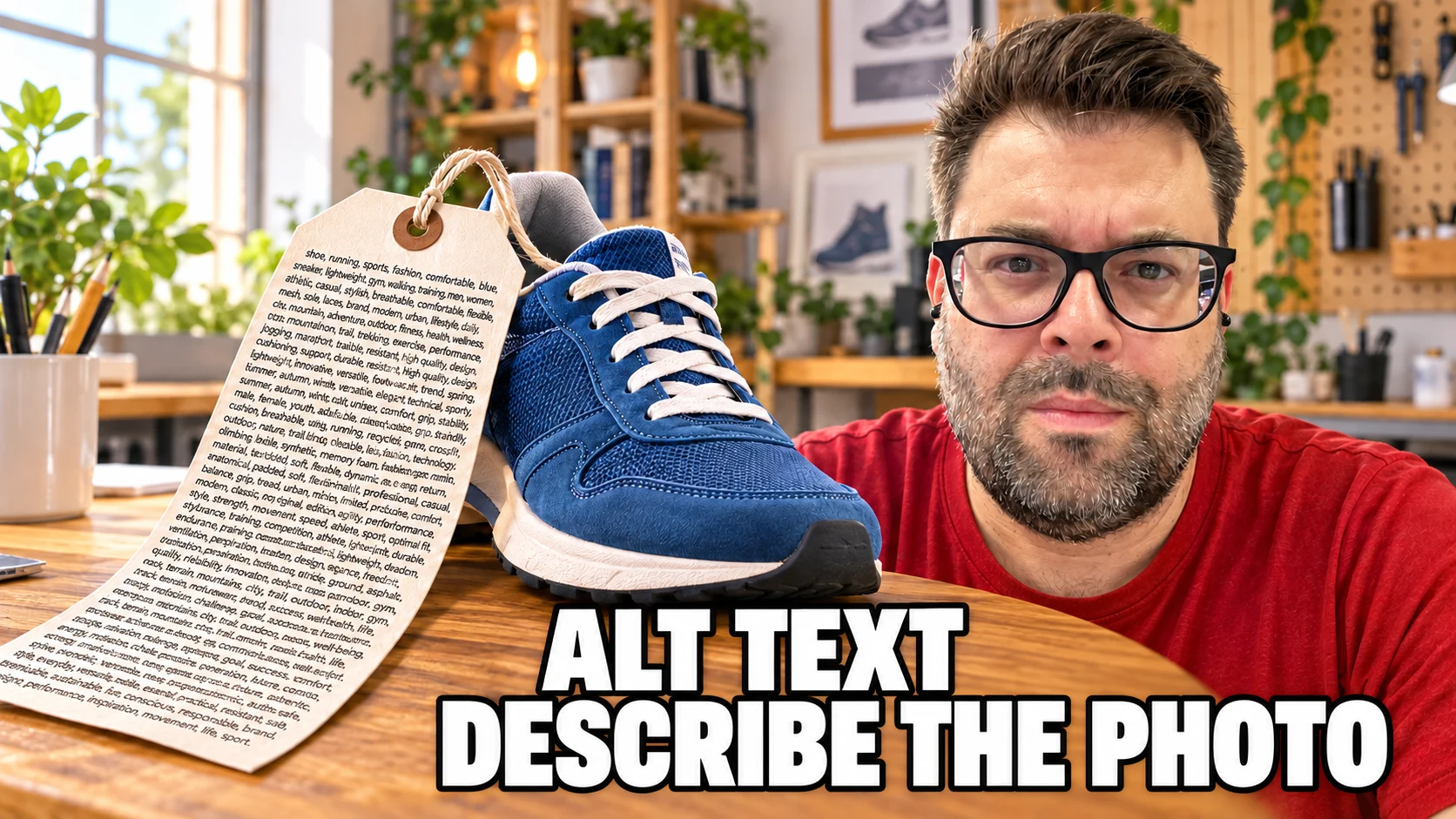
A product photo can be someone's way into an online store through Google Images.
Alt text helps Google understand what it shows and conveys the important information to someone who cannot see it.
Describing an image well serves both purposes: making it more accessible and improving its visibility in search.
Alt text is written in an image's alt attribute. It should explain the information or function of that image in context. A decorative image takes alt=""; a button needs an alternative that identifies its action; a complex chart also needs an accessible explanation of its data.
What is image alt text?
It is the text alternative that accompanies an image in a page's code. A screen reader can read it, and some browsers may display it when the image does not load.
For example, alt="Blue trainer viewed from the side" provides different information from alt="trainer". Adding more words does not automatically improve a description. What matters is choosing the words someone reading that page needs.
The W3C images tutorial approaches this by purpose: informative, decorative, functional and complex images need different treatment. Before filling in the field, decide what the image is doing there.
What does the alt attribute do for SEO and accessibility?
For someone using a screen reader, it can replace the visual information needed to understand content or use a link. If an image contributes something important and has no suitable alternative, part of the page is out of reach.
For SEO, Google explains that it uses alt text alongside computer vision and page content to understand images. It can also use it as link text when an image links to another page.
That does not make alt a shortcut to higher rankings. The same guide asks for useful descriptions that fit the context and warns against keyword stuffing. Correct alt text cannot fix an image a crawler cannot access, a slow page or content that does not answer the search.
Can you include keywords in alt text?
Yes. A keyword that describes the image and fits the page makes sense in alt text. You do not have to avoid it simply because it is a keyword. Problems start when you add terms that say nothing about what the image shows or does.
In a hypothetical example, a photo of the inside of a laptop backpack could use alt="Laptop backpack with its padded compartment open". The phrase "laptop backpack" identifies the product and fits naturally. "Cheap backpacks buy backpack best price free shipping" does not describe that photo.
This is more than a matter of style: Google recommends using keywords appropriately and in context when writing alt text. The same guide warns that keyword stuffing harms the experience and can cause a site to be seen as spam.
A keyword should help explain the image, not justify giving a decorative image an unnecessary description. You do not need the same phrase on every product photo either: each view can contribute a different detail.
How does alt text help an image appear in Google Images?
Google Images is another route to a website. A search can start with a product photo, a recipe or a design and end on the page containing it. Google's SEO starter guide notes that images can be someone's first contact with a site.
Alt text helps Google understand an image's subject alongside visual analysis and page content. Describing a photo well is therefore part of Google Images SEO too. It is not only an accessibility field, although that role remains important.
For example, "Green laptop backpack with the padded compartment open" gives context for a product photo. It describes what appears and which detail is shown. It does not guarantee that the image will appear for that search or hold a particular position.
The work does not end with alt text. Google also recommends clear images, related surrounding text and descriptive filenames. The search engine must also be able to find and process the file: a CSS background image is not indexed like an image inserted through an img element.
To check whether this route brings traffic, change the search type from Web to Image in Search Console's performance report. You can then review impressions, clicks and queries. According to Search Console's help, the Pages tab shows landing pages, not image file URLs.
This lets you examine which searches and images bring visibility without attributing every improvement to changing an alt attribute. It is part of image SEO, not a guarantee of rankings for filling in a field.
How do you write good alt text?
Start with a question: what does someone who cannot see this image need to know? Write that information in ordinary words. Then remove anything that does not help.
Imagine a product page with three photos of the same backpack. The first might show the front, the second the open compartments and the third how it looks when worn. Repeating the product name on all three loses the differences that make those views worth showing.
In this hypothetical example, "Green backpack with the laptop compartment open" is more useful than "Quality backpack at the best price". The second phrase sells, but it does not explain the photo.
Use the keyword if it genuinely identifies what is shown and fits the context. Do not add a city, a brand or a sales promise simply because there is space. Do not invent materials, dimensions or features you cannot verify either.
The W3C decision tree helps with uncertain cases: it starts by asking about the image's text, function and meaning, not by counting characters or keyword repetitions.


When should an image have empty alt text?
When it only decorates or adds no information that needs to be communicated again. An ornamental divider between two sections does not need a description such as "beautiful blue line separating two paragraphs". We have enough work already.
The usual form for an HTML image is alt="". This is not the same as removing the attribute. W3C warns that some screen readers may announce the filename when alt is missing.
The decision depends on the use, not the file type. A café photo can be decorative when it only creates atmosphere. If it shows the access ramp on a page about the café's accessibility, that information matters.
Do not empty every alt attribute simply because a photo has a caption. First check whether nearby text adequately communicates what the image adds. If it contains new information, it still needs an alternative.
What alt text does an image used as a button or link need?
Here, what matters is what it lets someone do. If a magnifying glass is the only content of a search button, "Search" communicates its action better than "Grey magnifying glass".
A logo that is the only content of a homepage link may need an alternative such as "Castillo Cantón, home". If the same link already has visible text identifying its destination, repeating that in the image can add noise.
These cases are covered in the W3C guide to functional images. Review the whole control: image, visible text and accessible name. You cannot decide by looking only at the media library.
How do I describe a chart, screenshot or image containing text?
A chart with several data points is not dealt with by writing "SEO chart". Alt text can identify what it compares and where its explanation is, but the important information needs a fuller alternative.
For example: "Revenue per visit comparison for Google Search Ads and ChatGPT Ads; figures and explanation below". That description only works if the figures and explanation really are below. Do not promise a nonexistent table just to finish the job.
The W3C guide to complex images combines a short description with a longer account of the essential information. This can be part of the page content, with a table where useful. That way, the data does not depend on distinguishing two colours or enlarging an image on a phone.
For a screenshot, explain what it demonstrates or which step it lets someone follow. "Option for changing business hours" can be more useful than "Google screenshot". If the image contains necessary text that appears nowhere else, that text needs an accessible alternative.
As a recent example, the analysis of ChatGPT Ads and Google Ads also presents the figures in the article body. The chart accompanies the explanation; it should not be the only way to access the data.
How do alt text, filenames and captions differ?
alt supplies the image's alternative. The filename identifies the resource. A caption is visible text that can explain the scene, cite a source or add context.
They can relate to each other without being automatic copies. In a hypothetical example, the file might be called green-backpack-interior.webp, the alt text "Open padded laptop compartment", and the caption "Inside view of the example backpack".
Google recommends short, descriptive filenames and explains that surrounding text helps interpret an image. That does not mean pasting the same paragraph into the filename, alt text, caption and title attribute.
Alt text is not the text you need to display on mouse hover either. If something is needed to understand the page, make it accessible without relying on that gesture.
How do I review a website's alt text?
Start with important pages: services, products and content already attracting visits. Review each image's context before changing hundreds of fields at once.
You can use a crawler to find images with missing attributes or empty values. As I explain in the Screaming Frog guide, crawling helps organise the review. The tool detects patterns; it does not decide whether a photo is decorative or a description says what it should.
For each image, check in this order:
- Does the image inform, decorate or let someone do something?
- Is its important information already present in nearby text?
- Does the alternative describe the actual image or function?
- Have keywords been added that have nothing to do with what it shows?
- Do charts and screenshots have an accessible explanation?
- Does the published HTML retain the alt text you saved in the CMS?
Try a screen reader when you can too. Reading alt text in a spreadsheet helps spot mistakes, but it does not replace hearing how it works within a page, between links and other controls.
In an SEO audit, this review should connect with the site's other problems. Fixing alt text is a specific task, not an excuse to forget indexing, performance or content structure.
Can AI write alt text?
It can suggest a draft. The review is still yours, because the description depends on the image's purpose and the surrounding text.
A tool may recognise a person, a desk and a computer. It does not necessarily know that the important part of that screenshot is the error shown on the screen. Give it context and check its claims before publishing.
My approach would be to use it to help describe, not to invent what the image does not demonstrate. Alt text that sounds convincing but describes something else is still bad alt text, with or without AI.
Frequently asked questions
Does every image need a description in its alt attribute?
No. Decorative images can use alt="". Informative and functional images need an alternative suited to their purpose. Empty and missing are not equivalent.
Is there an exact length to follow?
The cited guides ask for short, useful descriptions, not one universal number for every case. If you need to explain a lot of data, combine a short alternative with a full explanation on the page.
Can I repeat the keyword in every image?
I would not make that a rule. Write what each image contributes. If the keyword fits naturally, use it; if it is only there for repetition, leave it out.
Is empty alt text always bad for SEO?
You cannot judge without context. For a purely decorative image, it is a solution recommended by W3C. The goal is not to put words in every field, but to handle each image correctly.
To finish the coffee
A photo can be perfectly in focus and still be of little use to someone who cannot see it. Alt text is not written to get a green light from a plugin. It is written so that the information or action also works without the image.
Before filling in the next field, look at what that photo adds to that page. Then describe it. If it only decorates, let it decorate with empty alt text.
Optimisation starts when you know what you are trying to explain, not when you find another place to squeeze in a keyword.