Google Discover: what it is and how to appear in the feed
Translated from the Spanish original. Leer en español

Some visits arrive without anyone searching for anything. An article from months ago suddenly shows up on thousands of phones, the Search Console chart shoots up, and a few days later everything goes quiet again. If that has happened to you, it was most likely Google Discover.
Discover is Google's feed that recommends content based on each person's interests, without them typing a query. There is no tag that gets you in: being indexed and following its policies is enough to be eligible, although that does not guarantee you will appear. What you can look after is the headline, the image and how fresh the content is.
What is Google Discover and how is it different from a search?
In a search, someone has a question and types it. In Discover nobody asks anything. Google shows content it thinks they will like, based on their activity on the web and in apps (Google, Get on Discover documentation).
That is why you do not rank for it like a keyword. There is no "position 3 for Discover". Your page is offered to whoever, based on what they did before, might want to read it.
That is also why it is so irregular. Google says it plainly: Discover traffic is less predictable than search traffic, and it is best seen as a complement.
What does a page need to be eligible for Discover?
Not much, and that is the good news. According to Google, content is eligible if it is indexed and meets Discover's content policies. No structured data or special tags are needed.
Two caveats:
- If you break the policies, Discover manual actions can appear in Search Console, under Security and manual actions.
- Discover filters out what does not fit an interest feed: job applications, petitions, forms, code repositories or satire without context.
Being eligible does not mean you will appear. Google insists on that in so many words. If your page is not even indexed, start with Search Console from scratch.
What does Google recommend to appear in Discover?
These are recommendations, not a contract. I have ordered them by what shows first in the feed:
| What people see | What Google recommends |
|---|---|
| Headline | It should capture the essence of the content. No clickbait and no key information hidden. |
| Tone | No sensationalism that plays on morbid curiosity or outrage. |
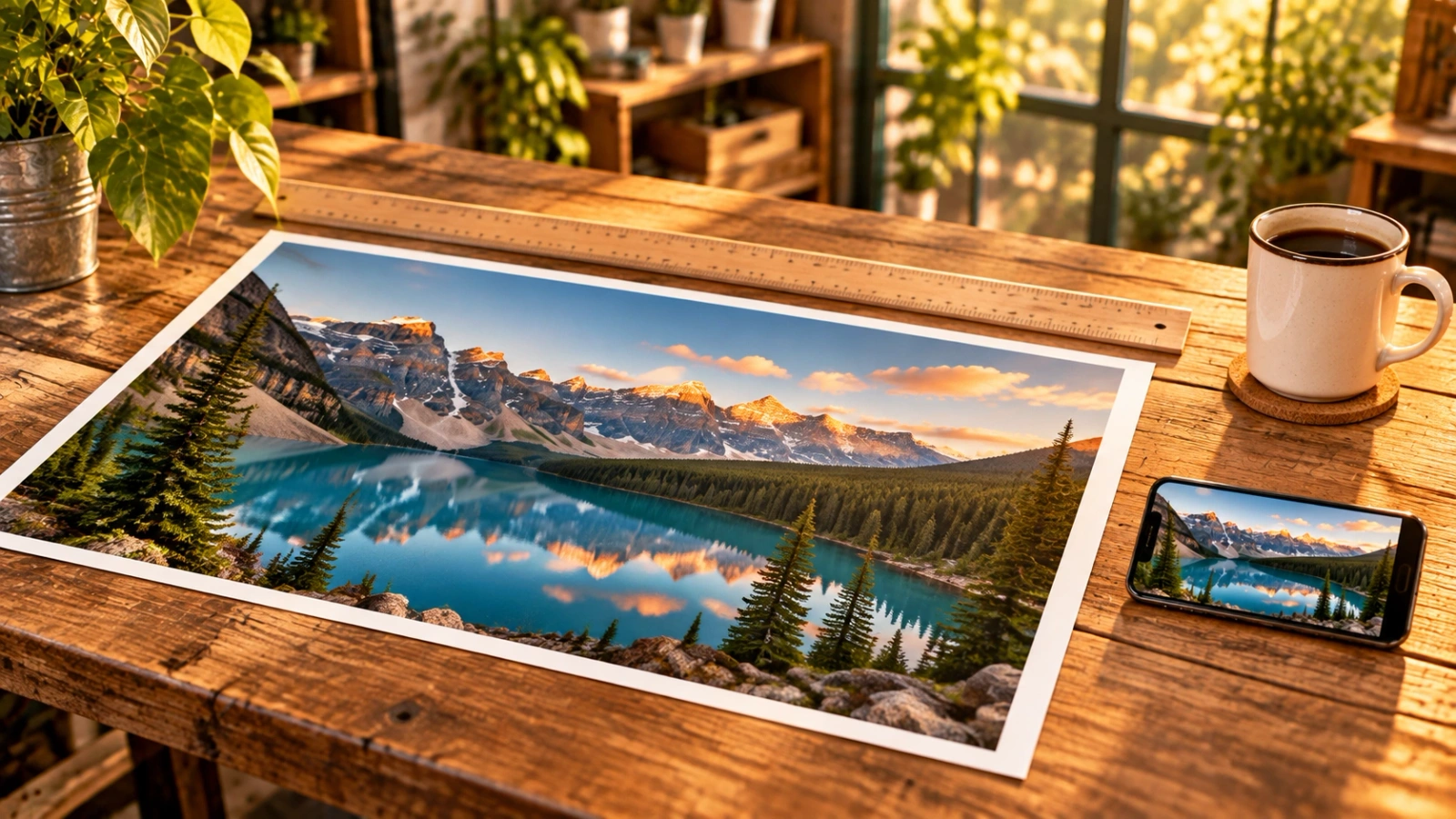
| Image | Large and relevant: at least 1,200 px wide and more than 300,000 pixels in total. A 1280x720 (16:9) one works. |
| Permission for the large image | Enable max-image-preview:large, or use AMP. |
| Image declared on the page | With og:image or schema.org. Better without logos or images with lots of text. |
| Content | Timely for what people care about now, tells a story well or adds something of your own. |
| Page | Good page experience. |
If you cannot see all the columns, scroll the table sideways.
One image detail almost nobody checks: Google tries to crop it on its own. If you crop it yourself, make sure the important part stays inside in landscape format.
I cover the technical side of images in image optimization for SEO, and page experience in the Core Web Vitals guide.
What changed in Discover in 2026?
Quite a lot, and almost everything points the same way: less noise and more real knowledge.
In February, Google launched a core update just for Discover, the first it announced exclusively for this feed (John Mueller, Google Search Central, 5 Feb). According to Google, it aimed for three things:
- More locally relevant content, from websites in your own country.
- Less sensational and clickbait content.
- More original, in-depth and timely content, from sites with expertise in the topic.
What is interesting is how it measures that expertise: topic by topic. A local news outlet with a gardening section can have expertise in gardening. A film review site with a single article about gardens, probably not. Google explains it with that same example.
I keep one caveat about timing. Google launched it first for English-language users in the United States and said it would expand to other countries and languages over the following months. I have not found a confirmation of where Spain stands, so I will not assume it. It took 21 days to complete, according to Search Engine Land.
That connects with E-E-A-T: showing that you know a topic is done with concrete, checkable content, not with a bio at the end.
Does fresh content matter for appearing in Discover?
A lot, and in a less obvious way than the publication date. In October, Search Engine Journal described a Google system that filters out stale content before it reaches Discover ranking (Roger Montti, 21 Oct).

It uses two filters. One detects content that has been superseded by newer information. The other predicts when content stops being useful even if nothing has replaced it. If either one marks your page as stale, it stops being eligible.
The publication date alone does not decide it: long-lived content can stay valid. What is worth doing is having a plan for what expires. An article about a feature that no longer exists should not stay up as it is.
Can readers ask to see more of my site in Discover?
You do not decide who sees you, but they can decide more than before. In August, Google announced that from the three-dot menu in the feed, people can tell it in their own words which topics or links they want to see more or less of (Google, 20 Aug).
It also introduced the Preferred sources button that any site can embed. When pressed, the reader adds your site as a preferred source in Google, which helps them find it in Top Stories, AI Overviews and AI Mode. Google's note does not say that button leads directly to Discover, so take it as a way to be recognised, not as a shortcut to the feed. I explained how to set it up in Google preferred sources.
Why does Discover traffic go up and down if I have not touched anything?
Because Discover is built that way. Google gives three reasons:
- Interests change. If someone stops looking for a topic, their feed changes.
- The types of content shown are adjusted over time.
- Search updates also have an effect, because Discover is an extension of Search.
There is a line in the documentation that I find among the most honest Google has written: you may not need to do anything. Changes may be unrelated to the quality of your content or how often you publish.
If one day it drops, before touching anything, do what you would do with any drop: look at what did not fall and compare.
How do I measure Google Discover in Search Console?
With its own performance report. It shows impressions, clicks and CTR for content that appeared in Discover over the last 16 months, as long as a minimum number of impressions is reached. Google says it also includes Chrome traffic.
If you do not see the report, most likely your site has not reached that minimum. It is not an error.
My advice for reading it: do not compare it with your search visits. They are two different channels with two different logics. Note which pages appear, which headline and image they had, and look for the pattern.
Discover checklist for your website
| Check | What to look for |
|---|---|
| Indexing | Important pages are indexed |
| Headline | Says what is inside, with no misleading hook |
| Image | Your own, relevant and at least 1,200 px wide |
| Preview | max-image-preview:large enabled |
| og:image | The article's image, not the logo |
| Topics | You write about what you can show you know |
| Freshness | There is a plan to update what expires |
| Report | You check the Discover report when it exists |
If you cannot see all the columns, scroll the table sideways.
Google Discover FAQ
Do I need to add any tag or markup to appear in Discover? No. Being indexed and following the policies is enough. The image you declare with og:image or schema.org can influence which one is shown.
Can I ask Google to include me in Discover? There is no form or button for that. What you can do is follow the recommendations and have content that fits someone's interests.
Why do I not see the Discover report in Search Console? Because the report only shows data if your content has appeared in Discover and a minimum number of impressions is reached.
Can an old article appear in Discover? Yes. According to Google, older content can appear if it is useful and relevant to the person's interests. A different matter is the freshness filter leaving it out if it has been superseded.
To finish the coffee
Discover is a visit you did not ask for and cannot ask for. What is in your hands is not flashy: honest headlines, good images, topics you really know and updating what gets old.
My view: do not build your strategy around Discover. Treat it as a bonus when it comes, and drop by Search Console from time to time to see which pages got the applause.