
SEO headings: a structure that makes pages easier to read
Translated from the Spanish original. Leer en español

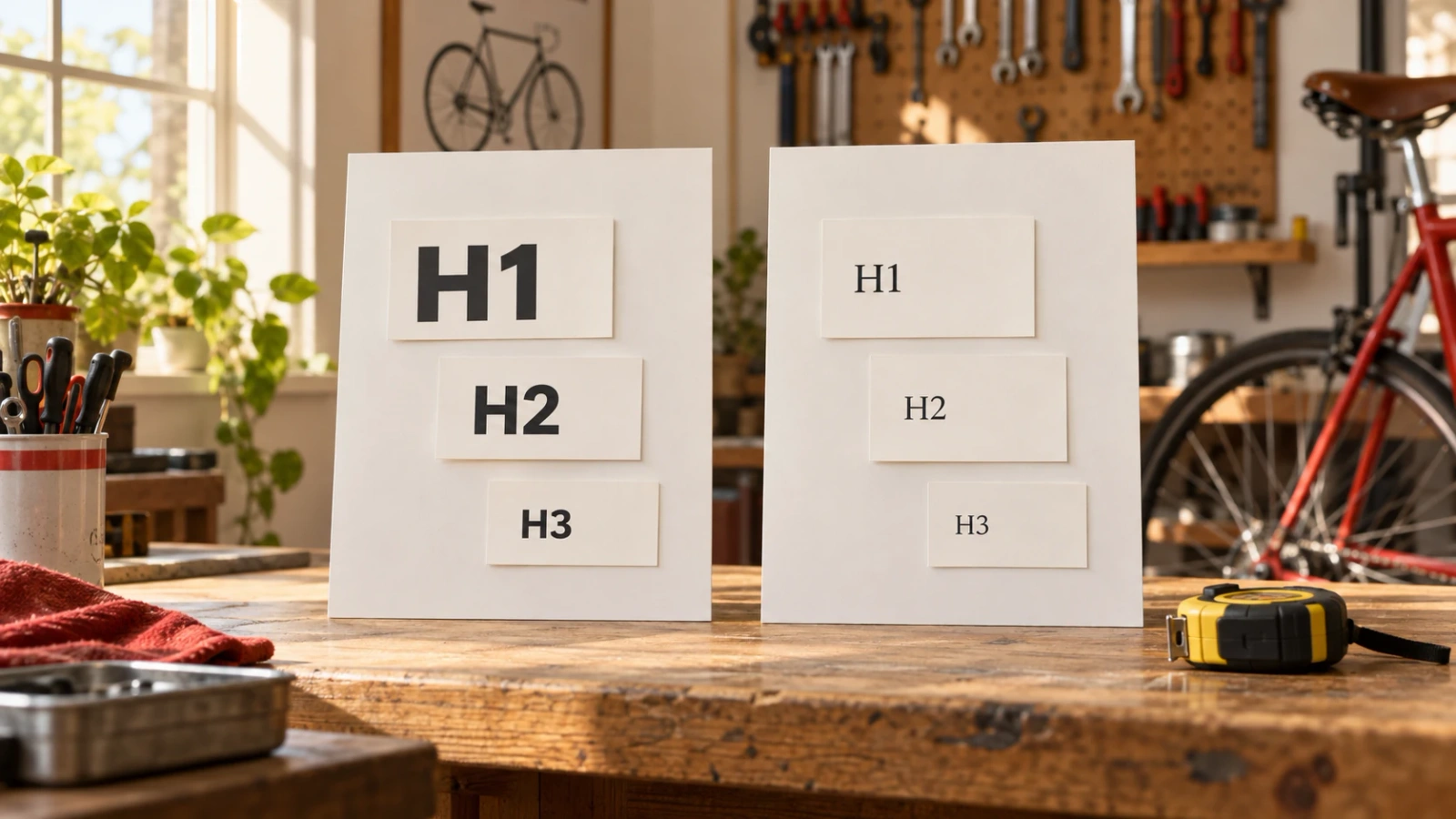
An H2 is not a button for making text bigger. It signals the start of a section. If the tag changes only to make the text fit the design, a page can look good while describing a structure it does not have.
H1, H2 and H3 headings organise content: a main title, its sections and the subsections within them. Those relationships should make sense even to someone reading only the headings.
That is their value, rather than filling an imagined quota of SEO tags. Google does not require an ideal number of headings, and it distinguishes their order from what people need to find their way around. It is worth understanding both before changing a website.
What are H1, H2 and H3 headings for?
The H1 introduces the page's main topic; H2 headings organise its sections and H3 headings develop subsections within one of those sections. HTML has six levels, up to H6. A complete page does not need to use all of them.
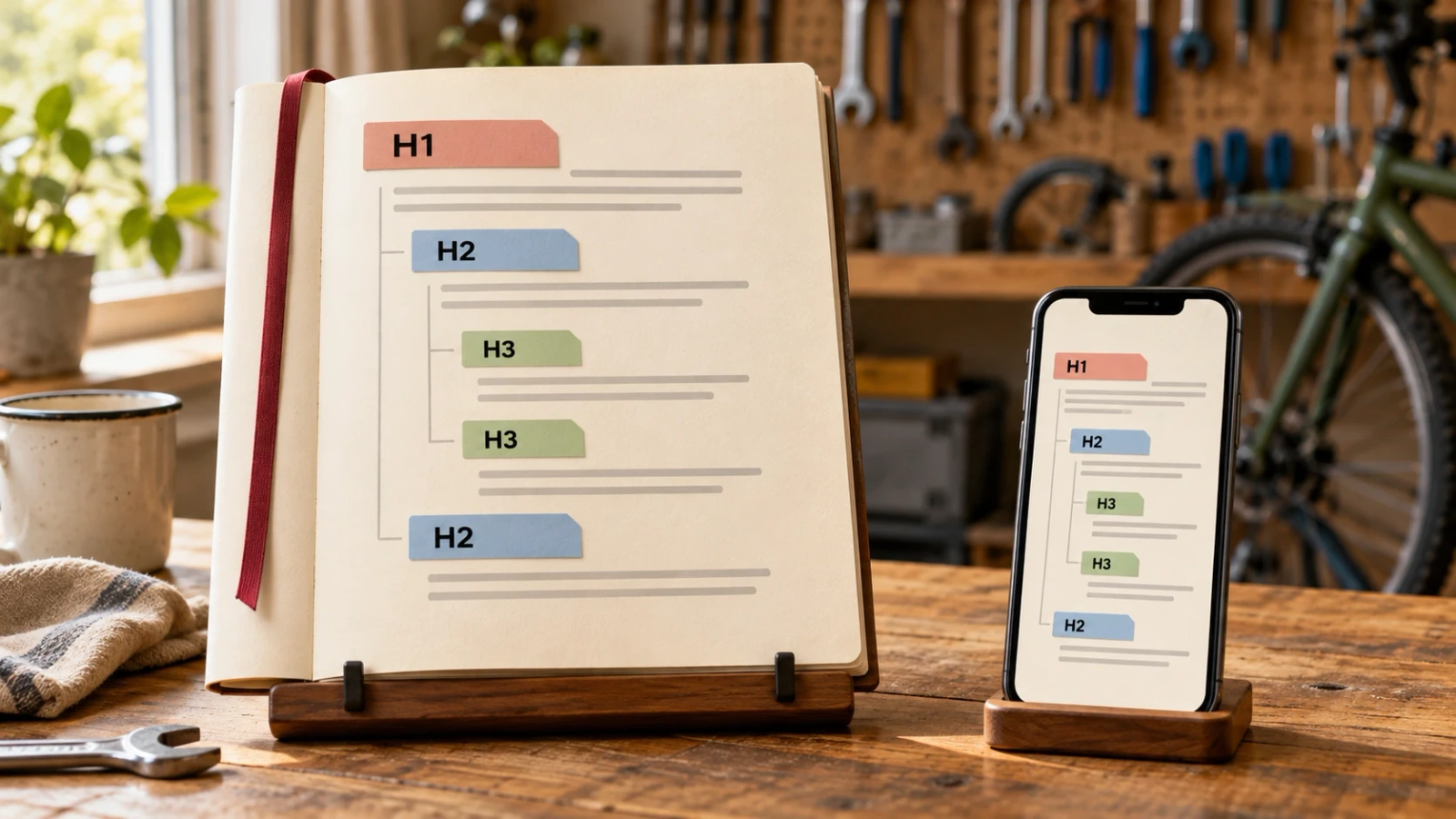
The level names describe a relationship, not a design formula. An H3 belongs to the section opened by an H2. Another H2 begins a section at the same level as the previous one.
According to the W3C headings tutorial, browsers and assistive technologies can use this information to help people move around a page. An understandable hierarchy is useful even when a visitor is not reading every paragraph.
The wording matters too. "Services" may make sense on a simple page; "Bicycle repair and maintenance" explains more when it appears on its own in a list of headings. W3C asks for headings that describe the topic or purpose, not a particular length.
How should a page's headings be organised?
I would first decide what the page needs to explain. Then I would group the information and choose the level that represents each relationship. Assigning H2s and H3s before knowing what goes inside them organises tags, not content.
What does the H1 introduce?
The H1 should make the page's topic recognisable. As a practical approach, I would use a clear main heading rather than several titles competing to introduce the same information.
MDN recommends one main H1 per page as good practice. I would not turn that into a threat of an automatic penalty if a template contains two. First, check what they identify and whether the structure makes sense.
I would also check that a template detail has not made the logo the H1 while leaving the actual page title as ordinary text.
When should a new section use H2 or H3?
An H2 opens a main section of the content. An H3 divides one of those sections when different parts need explaining. If the new section no longer belongs to the previous H2, another H2 will usually make sense.
Moving from H3 back to H2 does not break a rule: it closes a subsection and starts another main section. W3C distinguishes that return from moving directly down from H2 to H4, which it recommends avoiding when it could confuse the relationship between sections.
If an H3 has no parent section, I would review the organisation before adding an empty H2 just to silence a checker.

What does a useful heading structure look like?
This is a fictional example: a bicycle workshop page explaining its repairs. It does not represent a client or a result achieved.
In a confusing outline, "Services" might be marked as H4, "Brake adjustment" as H2 and "Request a quote" as H5. Each piece of text might have the desired size, but the tags do not explain what belongs to what.
An alternative would be:
H1 Bicycle repair in Castellón
  H2 What repairs do we offer?
    H3 Gear and brake adjustment
    H3 Servicing and maintenance
  H2 How can you request a quote?
  H2 Where is the workshop?
The two H3 headings develop the repairs section. Requesting a quote is a different task, so it returns to H2. There is no need for an H3 beneath every section for symmetry: if there are no real subsections, a paragraph can follow its H2 directly.
This outline organises one page, not the entire website. As I explain in my guide to transactional site architecture, deciding which information needs its own URL and which belongs within another page means examining the need each page meets.
Does text size determine the heading level?
No. The level expresses structure; size is set with CSS, the language that controls visual presentation. MDN explicitly says not to use heading elements to change the font size.
An H2 may need to be smaller on mobile without becoming an H3. Likewise, large text does not become a heading because it is large: it can remain a paragraph with a visual style applied.
In a website editor, "Heading 2" and "font size" should not be interchangeable ways to get the same appearance. Before changing the level, I would ask what section starts there.
Presentation should help too. Google recommends making the main title stand out from other prominent text. If everything looks like the main headline, visitors have to work out what matters.
What does Google say about heading order and quantity?
Google explains in its SEO Starter Guide that semantic order is useful for screen readers, but from Google Search's perspective it does not matter if headings are out of order. It adds that there is no ideal number of headings.
That does not make structure useless. It separates two reasons that are sometimes mixed together: making a page easier to use and seeking an automatic rule for higher rankings. They are different things.
Headings are still among the content Google can use to generate a search result's title. If it changes the title you wrote, it is worth checking the different sources it might be using, as I explain in why Google displays a different title.
I would organise headings to make the document understandable. I would not promise better rankings for turning a list of H2 and H3 checks green.
How can you review headings on a published page?
I would open a specific page and check its actual content, not just the style names in the editor. This review helps distinguish something that needs fixing from something that needs context.
- Find the main heading. Check which text introduces the page and which tag it uses.
- Read only the content headings. See whether they help you anticipate what each section explains.
- Check the relationships. Each subsection should belong to the appropriate parent section; returning to a higher level can be correct.
- Separate structure from decoration. Find text marked as a heading only to get a certain size or colour.
- Check the full template. Menus, footers and repeated blocks may have headings too; they do not all belong to the article body.
- Check mobile. Make sure headings can be read in full and are not cut off by the design.
For reviewing many pages, Screaming Frog shows headings in its H1 and H2 tabs. By default, it extracts the first two of each type, although it counts all occurrences. Those two columns are not a long page's complete outline.
A "multiple H2" alert does not prove there is a problem: a page can have several sections. The tool helps identify what to examine; the decision depends on the content. If you have not used the crawler, my practical guide to Screaming Frog is available.
Frequently asked questions
Are H1 and title the same thing?
No. The H1 is a heading within the page. The title element identifies the document and is usually visible in the browser tab. Google may use both, among other sources, to generate a search result's title; it does not have to display either one verbatim.
Can I go from H3 back to H2?
Yes. When a subsection ends, an H2 can open the next main section. What matters is the relationship between sections, not whether the numbers always move in one direction.
Must I repeat the keyword in every H2?
I would not use that as a writing rule. Each heading should describe its section. Google's guide recommends anticipating users' search terms, but also explains that its systems can relate a page to queries even when it does not include every exact variation.
One last sip
SEO headings help when they explain the page before decorating the text. A recognisable H1, clearly named sections and subsections that belong in the right place have a value that does not depend on a coloured score.
The simplest check is to read only a page's headings: can you understand what it offers and where to find each answer? Then check that the HTML tells the same story.
If you need to review headings alongside your website's other content and technical issues, see how I approach an SEO audit.
Sources last checked: 9 November 2026.