Pagination SEO: your catalogue also lives on page 2
Translated from the Spanish original. Leer en español

The first page of a category is not the entire catalogue. Products further down the list also need a path that Google can follow. A "Load more" button can look wonderful; it is not much use as the only door if the crawler does not click it.
Pagination SEO handles that journey: it splits a collection into pages with their own addresses, connects them with crawlable links and avoids treating each section as a copy of the first. Google's pagination guide recommends exactly that: different URLs, links between pages and a canonical URL for each page.
So far, so simple. Confusion starts when people try to fix pagination with recipes such as "point everything at the first page" or "noindex everything after page one". Those are different decisions with different effects. Let's separate them using one example throughout.
What problem does pagination SEO solve?
It lets you divide a collection without losing access to the content beyond the first section. That might be a product category, an article archive or a list of reviews. Pagination is more than a row of numbers at the bottom of the screen.
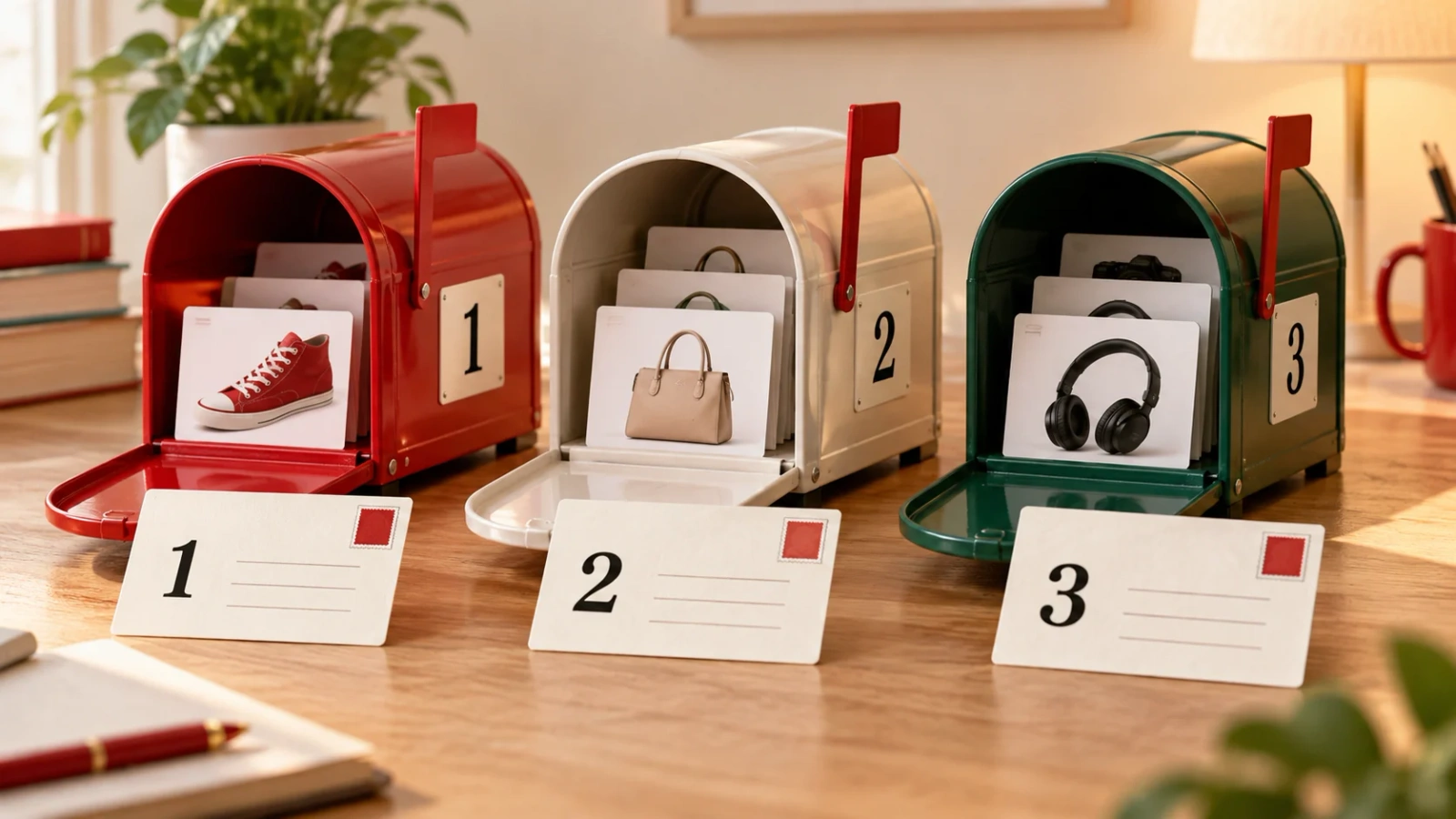
We will use a fictional trainer shop. Its category shows 24 products per page and contains 72 products: page one shows products 1 to 24, page two shows 25 to 48, and page three shows 49 to 72. These numbers explain the example; they are not client data.
The category is still one collection, but each page displays a different part of it. That distinction matters: page two does not repeat the products on page one. It continues the list.
For crawling, we need two routes: from one listing page to the next, and from those listings to the individual product pages. Having the catalogue in a database is not enough. There must be a way to discover it on the website.
This does not mean that correct pagination guarantees that Google will index the whole catalogue. It means that the path is not obstructed. Discovering a URL and including it in the index are different steps.
How should page 2 of an online shop work?
It should open directly and display its part of the catalogue. It should not require someone to start on the first page and press a button to reach it.
In our example shop, the addresses could look like this:
| Page | Illustrative URL | Content |
|---|---|---|
| 1 | /trainers/ |
Products 1 to 24 |
| 2 | /trainers/?page=2 |
Products 25 to 48 |
| 3 | /trainers/?page=3 |
Products 49 to 72 |
If you cannot see all the columns, scroll the table sideways.
This is not a recommendation to change every shop's URLs to that format. Google gives ?page=n parameters as a valid example; the implementation depends on the website.
The first page would link to the second, and the second to the third. Google recommends sequential links and suggests considering a link from the pages in a collection back to the first page. That preserves the route and a reference to its starting point.
The link can look like a number, an arrow or a button. Appearance does not determine whether it is crawlable. Google recommends an HTML a element with an href attribute containing the destination, as its link best practices explain.
For example:
<a href="/trainers/?page=2">Next</a>
A visual button can use that structure. A control that only runs a function when clicked needs a closer look. As I explain in my article on internal linking, understand what the link does before judging its shape.

Why should you avoid pointing every canonical at page 1?
Because pages two and three display other products. Sharing a menu, design and category name does not turn them into duplicates of the first page.
A canonical identifies a representative URL among duplicate or very similar pages. It does not mean "this page matters less, send everything to the one I like best". Google's canonicalisation documentation explains that purpose and notes that a canonical is a signal, not an instruction Google must follow.
In our shop, page two should declare its own URL as canonical. Page three should do the same. That is Google's explicit recommendation for paginated sequences.
| Implementation | What to review |
|---|---|
| Page 2 with a canonical pointing to page 1 | Page 2 displays another section; that signal does not follow Google's pagination recommendation |
| Page 2 with a self-referencing canonical | This is the recommended setup for that part of the sequence |
Pages distinguished only by #page2, #page3 |
Google ignores these fragments when handling the sequence's URLs |
If you cannot see all the columns, scroll the table sideways.
Adding more tags around the problem will not solve it. First check which URL loads each section and which canonical the template generates. For a refresher, see what a canonical is.
What if the catalogue uses "Load more" or infinite scroll?
It can keep that interface, but it needs to preserve access to the sections. Google explains that its crawlers do not click buttons and generally do not trigger functions requiring user action to update content.
Back to the trainers. A visitor presses "Load more" and products 25 to 48 appear. The visual test has passed: the button works. The SEO test is not over yet.
The next question is whether that group has its own URL that can be opened directly. Then check whether links allow the collection's parts to be discovered. A person's click does not prove what Google receives.
For infinite scroll, Google's lazy-loading guide calls for paginated loading: sections with persistent, unique URLs linked sequentially. It also recommends updating the address through the History API when a new section becomes the main visible element.
There is no need to choose between traditional page numbers and a smoother interface. The content needs to remain accessible. Moving the button will not solve that; reviewing how each section loads and links will.
Does adding noindex from page 2 help organise a catalogue?
It is not a general rule to apply by default. First decide what you want to achieve and what content you would be excluding.
Noindex tells Google not to include a page in its index. It does not declare a canonical or replace links between pages. The noindex documentation also explains that Google must be able to crawl the URL to read that instruction: blocking it in robots.txt prevents Google from seeing it.
The pagination guide recommends a separate URL and canonical for each page. It does not say that everything after page one should carry noindex.
It also separates pagination from filters and alternative sort orders. In our example, ?page=2 displays another group of products; sorting the same products by price raises a different question. Putting every parameter in the same bucket is not a substitute for an SEO review.

How can you check it without getting lost in a huge report?
Start by following a complete route. In our example shop, the category and its three pages are enough for an initial sample. You would then extend the review to other categories and look for patterns.
Open page two directly. Check that its products appear, rather than the first page wearing a different number in the address bar.
Find the link leading to it. Review the first page's HTML and locate the destination of "Next". There should be a crawlable URL. Repeat the check between the second and third pages.
Compare the canonical with the page you opened. If every page points to page one, review the template generating those tags. A repeated fault needs a fix at its source, not an afternoon spent editing URLs individually.
Check what Google receives. Search Console's URL Inspection tool lets you view indexed information and run a live test. They are not the same: a successful live test does not show that the URL is already indexed or confirm which canonical Google will ultimately choose.
In the tested page's HTML, look for a product belonging to that section and the link to the next page. The screenshot helps you get your bearings, but a neatly rendered design does not prove that all necessary links are present.
Extend the review. A crawl can help you find the same pattern across more categories. My Screaming Frog guide explains how to start; when JavaScript is involved, the crawl settings matter when interpreting its findings.
This is the kind of check included in an SEO audit: distinguishing an access fault, a conflicting signal and an intentional exclusion. Three different things, even when they appear together in one report.
Frequently asked questions
Does Google still use rel="next" and rel="prev"?
Not to identify relationships between paginated pages. Its guide says it no longer uses these tags, although other search engines may do so. They do not replace navigation links.
Does every page need a unique title and description?
Not necessarily. Google allows the same titles and descriptions across a paginated sequence. Duplicate titles alone do not prove that the pagination is wrong.
Can the sitemap replace that route?
Google mentions it as a way to help discover products, in addition to crawlable links. It is not a reason to leave listing pages disconnected. To interpret what Google knows about them, see my Search Console guide.
Before the coffee is gone
The review is complete when you can explain the route without guessing: this URL displays this section, this link leads to the next one, and this canonical belongs to this page.
Page one can be the main entrance. That does not turn the rest of the catalogue into a storage cupboard.
Sources last checked: 7 November 2026.