Your Google listing has 14 photos of the facade and zero useful information
Translated from the Spanish original. Leer en español
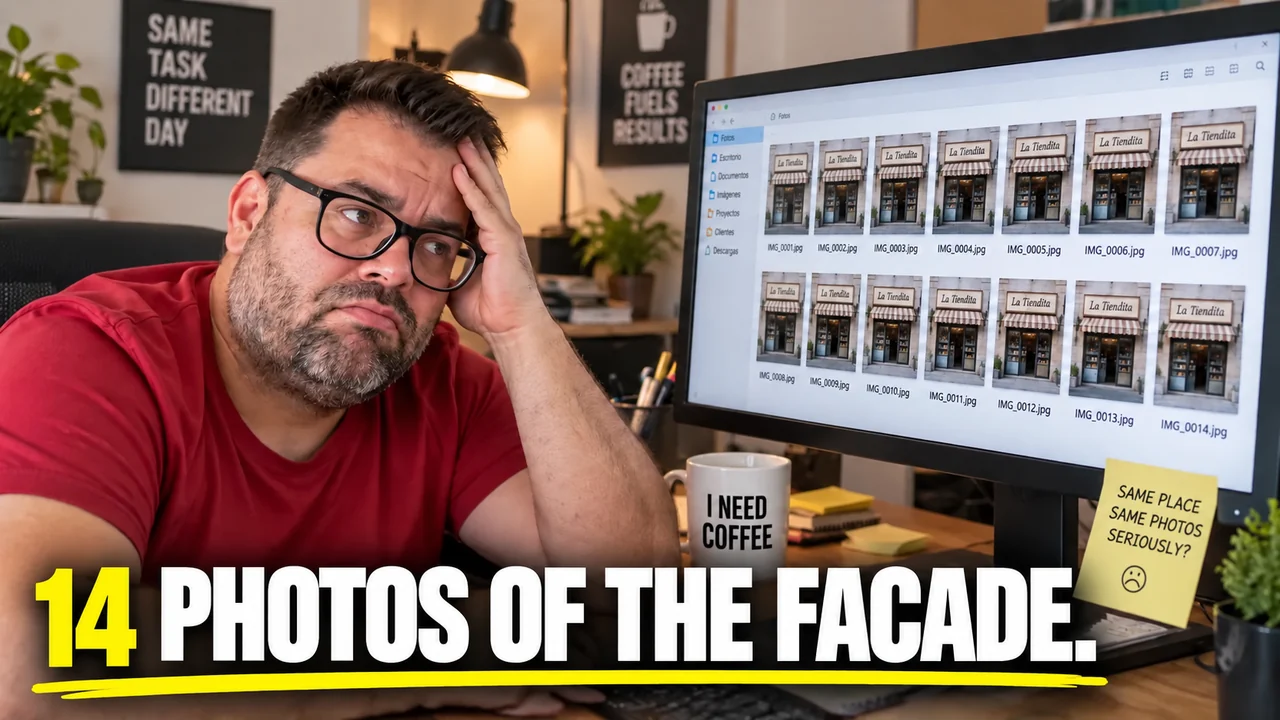
You invested in a new website. You paid for the design, the copy, maybe even a logo with a gradient. Meanwhile, the person searching for your business on their phone never reaches the website: they decide with what they see in the listing. What they see is "permanent holiday" opening hours, three two-year-old reviews without a reply, a category that isn't yours and your facade from six angles, with and without sun.
Fixing it takes an afternoon. Almost nobody does it because the listing seems like a formality that was filled in once and forgotten.
What is Google Business Profile and why does it weigh so much for a local business?
It is the free listing Google shows in Search and Maps when someone looks for a business or a type of business nearby. Before your website, the customer sees your name, hours, phone, photos and reviews there.

That is why it should be treated as a shop window, not as a form. The website explains; the listing convinces in ten seconds, or it doesn't convince.
What does Google look at to rank local businesses?
Google sums it up in three factors: relevance, distance and prominence (source: Google Business Profile help, "Tips to improve your local ranking on Google").
- Relevance: how well your listing matches what is searched. You work on it with complete and detailed information.
- Distance: how far you are from the searcher. You can't move your premises.
- Prominence: how well known you are. Google mentions, among other things, links from other websites and the number of reviews and their rating.
Two of the three depend on you. The third is managed with patience and with the rest of your SEO, not with a field in the listing.
What should a complete listing have?
Which category do I choose?
Choose one primary and a few secondary ones. Google asks you to use as few categories as possible that describe your business and to be as specific as you can without ceasing to represent your main activity.
A practical rule from Google's guides: the category should complete the sentence "this business IS a...", not "this business HAS a...". A hair salon with a coffee machine is not a coffee shop.
What do I put in name, address, phone and hours?
- Name: the real one, the one on your sign and your stationery. Google asks that keywords not be added to the name to rank higher.
- Address or service area: precise. If you go to the customer's home and have no premises open to the public, use a service-area listing, not a public-facing address.
- Phone: one that really reaches your business.
- Hours: the regular ones and, separately, the special ones for holidays and events. It is the field that hurts most when wrong: someone travels and finds the shutter down.
What do I put in the description, services and attributes?
Use them to say what you do and for whom, with useful facts and without brochure adjectives. Anything with no clear relation to your business isn't allowed in the description. Also complete the attributes that apply (accessibility, parking, wifi): Google includes them among the information that helps people find you.
Which photos to upload and which are surplus?
An exterior one helps people recognize you when they arrive. One is enough. You don't need fourteen.
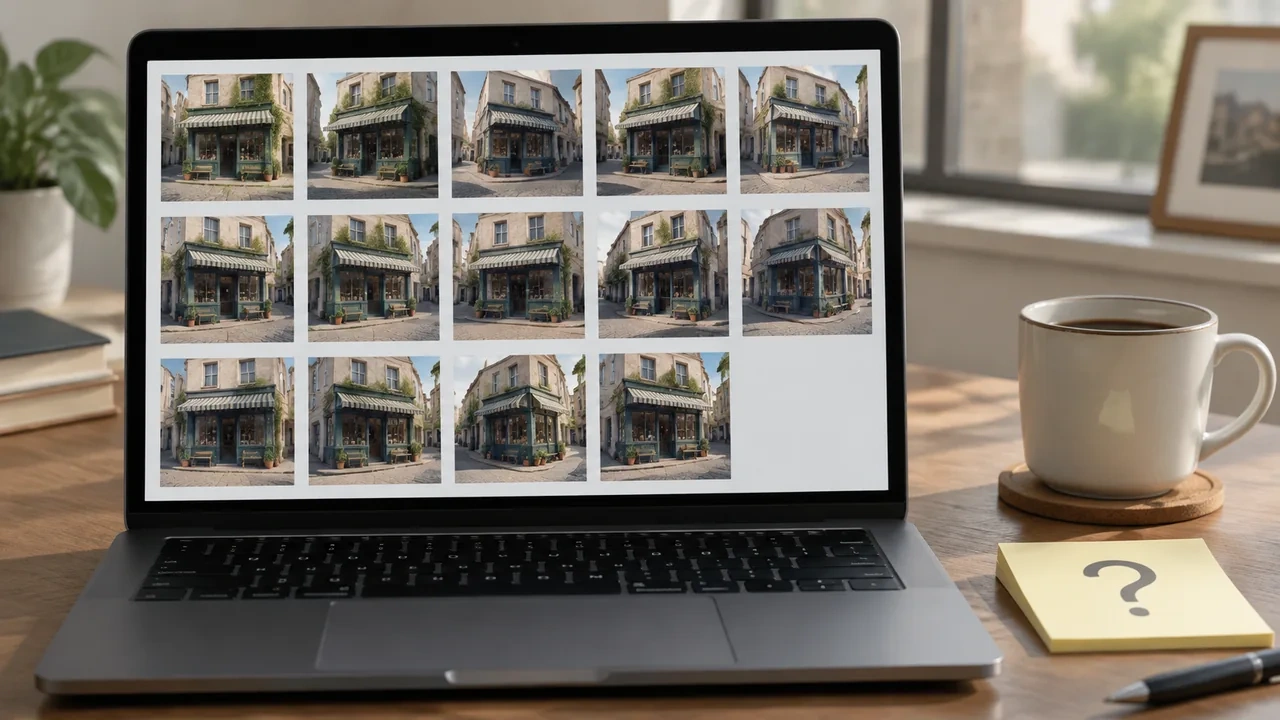
What is almost never there and does help: the interior, the team at work, the product or the real result of your work, and the logo. Google asks for sharp, well-lit photos, without excessive filters or alterations that don't represent reality.
Technical requirements Google publishes: JPG or PNG, between 10 KB and 5 MB, recommended resolution of 720 x 720 px and minimum of 250 x 250 px. Practical detail: photos and videos only appear on Google when the listing is verified.
How to reply to reviews without making a fool of yourself?
Reply, the bad ones too. Google recommends replying to and rating all of them, and says that a mix of positive and negative opinions usually seems more credible than a perfect five stars.
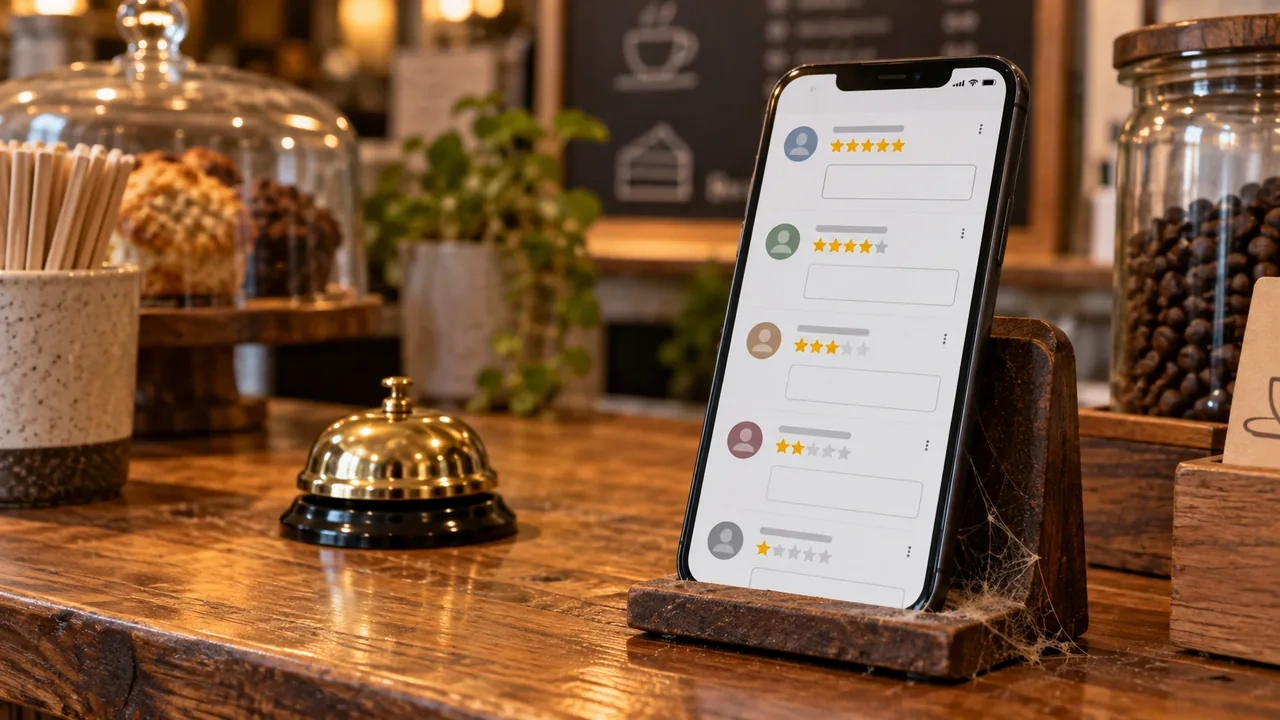
Rules that come from Google's own guide:
- Be professional and brief.
- Personalize: the customer's name and something specific from what they said. The same "thanks for your feedback" copied onto forty reviews shows.
- Don't turn the reply into an offer. The reviewer is already a customer.
- If it is a complicated case, offer to resolve it by phone or email. No private data or personal attacks.
What you don't do: offer discounts or gifts in exchange for reviews, for changing them or for removing a negative one. Google considers it fake and deceptive content and prohibits it. What you can do is ask for them: Google allows you to remind your customers to leave a review with a link or a QR code.
What mistakes get the listing into trouble?
The ones Google's guidelines flag expressly:
- A name that doesn't match the real one, or with keywords added.
- Several listings for the same business. There must be one per business.
- An address that isn't a real premises or is a mailbox. Businesses that show an address must have a permanent sign with the name.
- A virtual office or a coworking space with no public attention or staff during hours.
- Categories used as if they were keywords.
If Google detects violations, it can change your information or, in some cases, remove the listing.
How do I know if the listing is working?
Inside the listing itself there is a performance report with views, searches, directions requested, calls and website clicks. The searches figure is updated at the beginning of each month and can take up to five days to appear. That data includes organic and Ads traffic.
Look at the trend month by month, not the day. If you change category or hours, note the date so you know what moved what. And if one day calls go up for no clear reason, maybe Google has been searching on your customer's behalf for days.
Ten-minute checklist

- Name the same as on your sign, with no keywords added.
- A specific primary category and a few secondary ones.
- Regular and holiday hours reviewed.
- A phone that gets answered.
- Description without brochure adjectives.
- One exterior photo, one interior and one of the real work.
- Unanswered reviews, answered, from the most recent backwards.
- Review link or QR to ask for them.
- Listing link pointing to the right website, not to a broken page.
- Date noted to look at the report at the end of the month.
If you prefer that I review your listing and how it connects with your website, you can see what my local SEO service includes.
If you want to understand why a local search doesn't behave like a transactional one, you have Local vs transactional intent: car rental. To organize the website behind the listing, Transactional SEO architecture.
Sources: Google Business Profile help on local ranking, representation guidelines, reviews, photos and videos, performance report. Accessed on October 8, 2026.